

.png?width=274&height=200&scale=canvas)


.png?width=500?width=274&height=200&scale=canvas)

.png?width=274&height=200&scale=canvas)

.png?width=274&height=200&scale=canvas)

If you’ve tried playing modern PC games lately, you’ve probably noticed something:
games want more power than ever before.
Bigger worlds, higher-resolution textures, ray tracing, and new engines like Unreal Engine 5 are pushing graphics cards harder year after year.
Because of this, a lot of gamers are now asking the same question:
“How much VRAM do I actually need for gaming?”
It’s a fair question. Some GPUs have 8GB, others have 12GB or 16GB, and high-end cards can even go up to 32GB. Once you also consider the differences between 1080p, 1440p and 4K gaming, things can get confusing very quickly.
So in this guide, we’re going to break everything down in simple terms.
No complicated jargon.
No unnecessary tech talk.
Just clear advice you can understand, including real-world examples from games.
Throughout this blog, we’ll also highlight recommended graphics cards from GIGABYTE. They are known for excellent cooling, strong build quality and a wide range of GPUs for every type of gamer.
Let’s get started.
What Is VRAM, and Why Does It Matter?

VRAM (Video RAM) is the dedicated memory on your graphics card.
Think of it like a backpack that your GPU uses to carry everything a game needs to show graphics properly:
- Textures
- Shadows
- Lighting
- 3D models
- Ray-tracing data
- Effects and animations
The bigger and more detailed the game, the more VRAM it needs.
What happens if you don’t have enough VRAM?
You get issues like:
- stuttering
- slow loading textures (blurry walls or floors)
- freezing during big open-world scenes
- frame drops
- hitching when turning the camera
- and sometimes, the game crashes
A great example is The Last of Us Part I on PC.

On 8GB GPUs, the game famously struggled. Textures downgraded themselves, huge stutters appeared, and VRAM meters often hit 100%.
Move up to a 12GB or 16GB card and the game instantly became smoother, with higher-quality textures.
This is why VRAM matters. Your GPU simply performs better when it isn’t running out of memory.
How Much VRAM Do You Need in 2025? (By Resolution)
Below is a simple breakdown.
1080p Gaming (Esports / Entry-Level)
1080p is still the most popular gaming resolution, especially for competitive games like:
- Fortnite
- Valorant
- Apex Legends
- CS2
- Rocket League
- Rainbow Six Siege
For these kinds of games, 8GB of VRAM is usually enough, as they are designed to run smoothly even on modest hardware.
Even some modern AAA games still work fine at 1080p on 8GB. However, if you want Ultra textures, you may see 10 to 12GB of VRAM being used in newer titles such as:
- Hogwarts Legacy
- Starfield
- Call of Duty: Black Ops 7
- A Plague Tale: Requiem
On 8GB GPUs, these games may warn you about low VRAM or reduce texture quality on their own.
Recommended GIGABYTE GPUs for 1080p

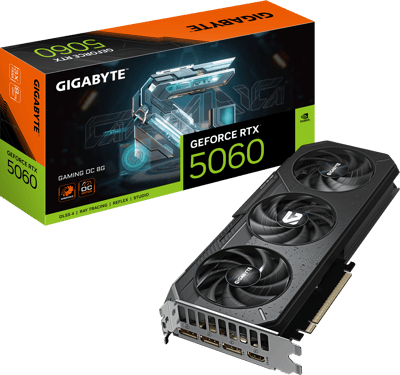
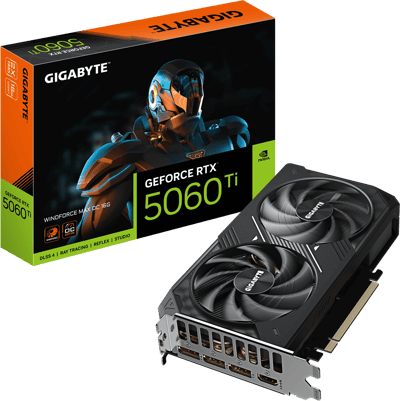
These models run cool and quiet thanks to GIGABYTE’s excellent WINDFORCE cooling, and they’re perfect for high-FPS esports gaming or smooth 1080p AAA titles.
1440p Gaming (2025’s Sweet Spot)
1440p is quickly becoming the new favourite for many gamers because it looks noticeably sharper than 1080p, without the huge performance demands of 4K.
However, this higher resolution also means bigger textures and higher VRAM usage.
Recommended VRAM for 1440p:
- 10 to 12GB minimum
- 12 to 16GB ideal
Games like:
- Cyberpunk 2077
- Alan Wake 2
- Star Wars Jedi: Survivor
- Avatar: Frontiers of Pandora
can all use well over 10GB of VRAM at 1440p on ultra settings, especially with ray tracing enabled.
For example, Cyberpunk 2077 often uses around 11 to 12GB of VRAM at 1440p with Ultra textures and ray tracing.
On an 8GB GPU, textures downgrade automatically and you will notice stutters.
With a 12 to 16GB GPU, the game becomes smooth and sharp, even in the busiest areas of Night City.
This is where GIGABYTE’s mid-range and upper-mid-range GPUs really shine.
Recommended GIGABYTE GPUs for 1440p
NVIDIA options:
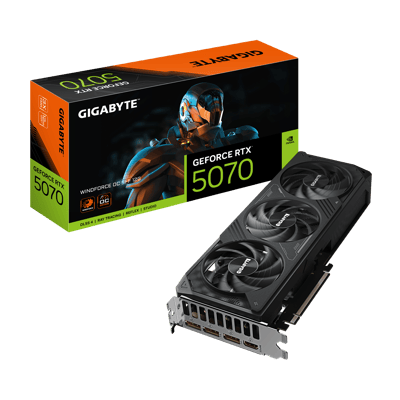

AMD options:


GIGABYTE’s cooling systems help deliver consistent performance during long sessions in demanding games. Their SFF (small form factor) models are also ideal for compact builds without giving up power.
4K Gaming (High-End / Future-Proof Builds)
4K gaming looks incredible, but it is also very demanding.
This is the point where VRAM becomes extremely important.
Textures are much larger at this resolution and ray tracing requires a lot more memory to run smoothly.
Recommended VRAM for 4K:
- 16GB is the new baseline
- 20 to 24GB or more is ideal for Ultra settings, ray tracing, and future titles
Games such as:
- Alan Wake 2
- Stalker 2
- Flight Simulator 2024
- Starfield
- Metro Exodus Enhanced Edition
can often use 16 to 20GB of VRAM at 4K on the highest settings.
For example, in Alan Wake 2, running at 4K with Path Tracing can push VRAM usage beyond 17GB.
An 8GB or even a 12GB GPU will struggle badly at these settings and will need to drop texture quality or remove ray tracing entirely.
Recommended GIGABYTE GPUs for 4K

The Gigabyte GeForce RTX 5090 GAMING OC 32GB GDDR7 is built for demanding, high-resolution gaming. Its advanced cooling design and factory overclock help maintain strong, stable performance during long gaming sessions, making it a great choice for 4K gaming and future-proof builds where reliability really matters.
Why GPU Power Also Matters (Not Just VRAM)
VRAM is important, but it is not the whole story.
Your graphics card also needs enough raw power to handle what a game is asking for. This includes things like:
- shader cores
- clock speeds
- memory bandwidth
- cooling design
A card with 16GB of VRAM but weak GPU power will still struggle in demanding games. You need both good VRAM capacity and strong GPU performance.
This is another area where GIGABYTE stands out.
The GIGABYTE advantage
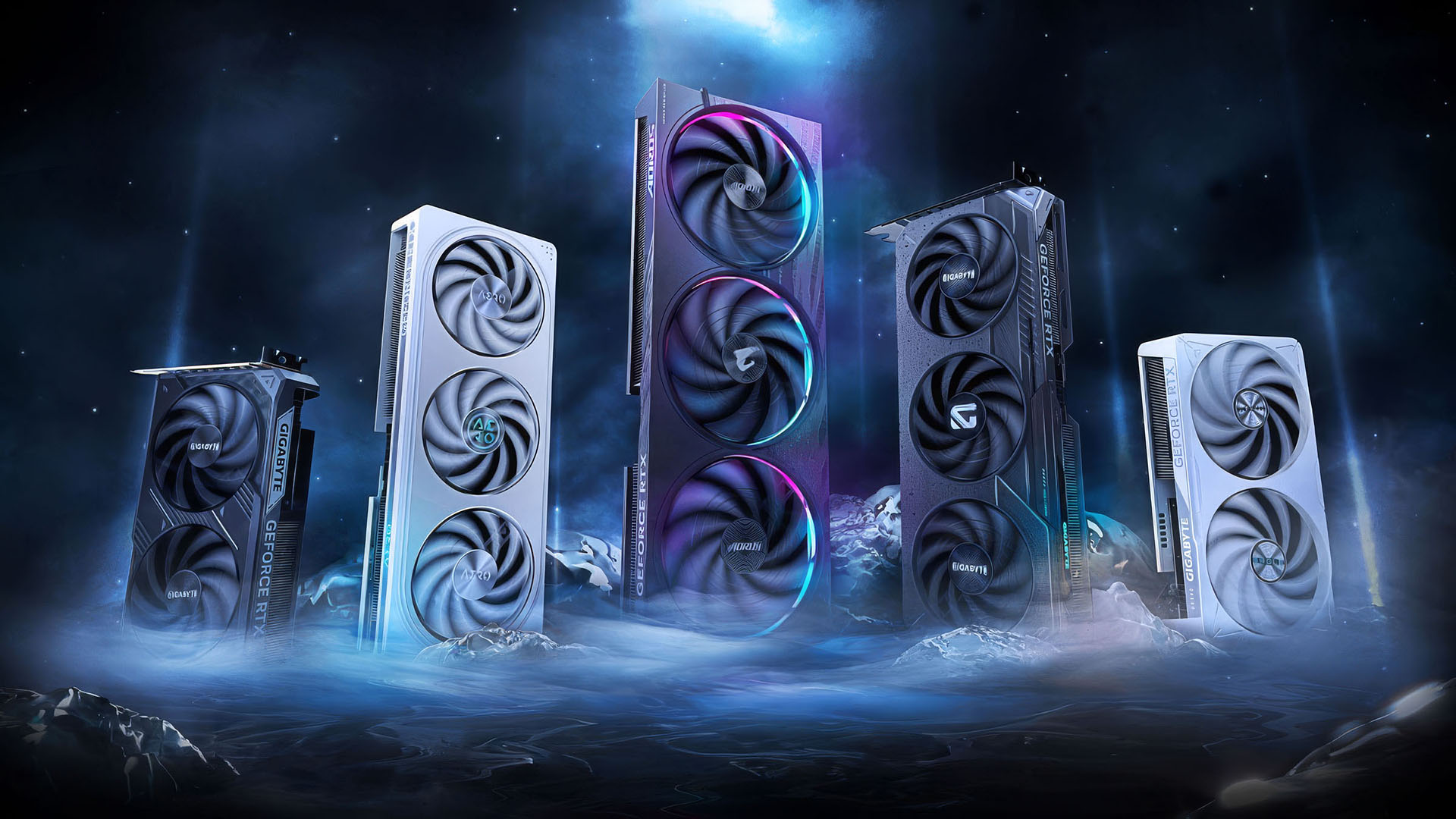
GIGABYTE GPUs boost higher and stay cooler thanks to features such as:
- WINDFORCE cooling systems
- alternate spinning fans that reduce turbulence
- high-quality thermal pads
- strong VRMs for stable power delivery
These features help GIGABYTE cards keep their performance consistent during long gaming sessions, even when the game loads are heavy.
How Much GPU Power Do You Need? (By Gamer Type)
A) Esports / Competitive Gamers
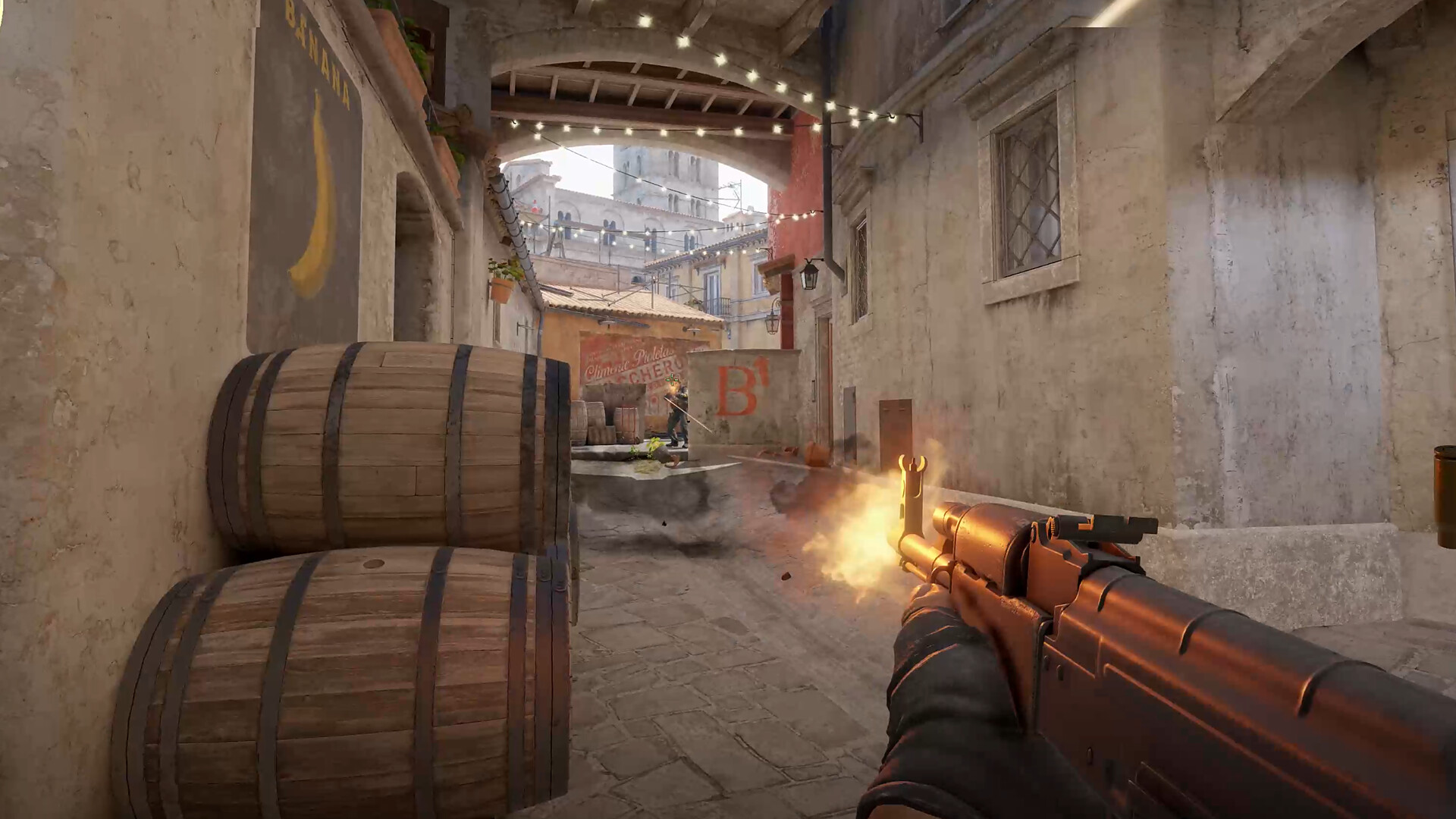
Games:
Valorant, CS2, Fortnite, Rainbow Six Siege, Rocket League, Overwatch 2.
Your goal: High FPS at 1080p or 1440p.
VRAM need: 8–10GB.
These games are more about FPS than graphics quality.
Best GIGABYTE Pick:
Gigabyte GeForce RTX 5060 Ti WINDFORCE MAX OC 16GB GDDR7 Graphics Card
Great performance, cool temperatures, and excellent value for money.
B) AAA Single-Player Gamers

Games:
Cyberpunk 2077, Starfield, Elden Ring, Assassin’s Creed Mirage, A Plague Tale: Requiem.
Your goal: Beautiful graphics on high/ultra settings.
VRAM need: 12–16GB.
Best GIGABYTE Picks:
NVIDIA:
Gigabyte GeForce RTX 5070 WINDFORCE SFF OC 12GB GDDR7 Graphics Card
Gigabyte GeForce RTX 5070 Ti WINDFORCE SFF OC 16GB GDDR7 Graphics Card
AMD:
Gigabyte Radeon RX 9070 GAMING OC 16GB GDDR6 Graphics Card
Gigabyte Radeon RX 9070 XT Aorus Elite OC 16GB GDDR6 Graphics Card
These GPUs give you the headroom needed for big worlds and detailed visuals.
C) 4K / Ultra Settings Enthusiasts

Games:
Alan Wake 2, Metro Exodus Enhanced, Stalker 2, Hellblade II.
Your goal:
Max settings, ray tracing, and future-proof performance.
VRAM needed:
16 to 24GB or more.
Best GIGABYTE picks:
Gigabyte GeForce RTX 5080 WINDFORCE SFF OC 16GB GDDR7 Graphics Card
Gigabyte GeForce RTX 5090 GAMING OC 32GB GDDR7 Graphics Card
The 5090 AORUS MASTER is built for exactly this type of workload. It is designed for heavy, high-end 4K gaming and offers excellent cooling and power delivery to keep performance stable during long sessions.
D) Creators + Gamers (Hybrid Users)
Tasks:
Video editing, 3D modelling, streaming, AI tools + gaming.
VRAM need: 16–24GB+
Best GIGABYTE Picks:
Gigabyte GeForce RTX 5070 Ti WINDFORCE SFF OC 16GB GDDR7 Graphics Card
Gigabyte Radeon RX 9070 XT Aorus Elite OC 16GB GDDR6 Graphics Card
Gigabyte GeForce RTX 5080 WINDFORCE SFF OC 16GB GDDR7 Graphics Card
Gigabyte GeForce RTX 5090 GAMING OC 32GB GDDR7 Graphics Card
More VRAM means smoother timelines and faster rendering.
How Future-Proof Should You Be?

Games are getting bigger every year.
Unreal Engine 5 games alone can use:
- 10–12GB at 1080p
- 12–16GB at 1440p
- 18–20GB+ at 4K
As more games start using higher-resolution textures and global illumination, VRAM needs will continue to rise.
So if you want a GPU that lasts:
- 1080p future-proof: 8–12GB
- 1440p future-proof: 12–16GB
- 4K future-proof: 16–24GB+
GIGABYTE’s line-up covers all of these needs, with excellent cooling and plenty of memory options.
Conclusion
So, how much VRAM do you really need in 2025?
- 1080p gamers: 8GB is fine
- 1440p gamers: 12 to 16GB is the sweet spot
- 4K gamers: 16 to 24GB or more for the best experience
Choosing the right GPU is not about buying the most expensive one. It is about picking the card that suits your resolution, the games you play, and the level of performance you expect.
No matter what type of gaming you enjoy, GIGABYTE has a graphics card that fits the job. Their GPUs offer excellent cooling, dependable build quality, and options for every budget and PC build.
If you are ready to upgrade, take a look at our full range of GIGABYTE graphics cards at CCL Computers. And if you need help choosing the right one, our team is always happy to help.