

.png?width=274&height=200&scale=canvas)


.png?width=500?width=274&height=200&scale=canvas)

.png?width=274&height=200&scale=canvas)

.png?width=274&height=200&scale=canvas)


Introduction
The Borderlands series has always been known for its chaotic humor, wild gunplay, and over-the-top loot systems — and Borderlands 4 looks set to be the biggest and most ambitious entry yet. Releasing on September 12, 2025 (October 3 for Nintendo Switch 2), Gearbox Software promises a seamless open world, brand-new Vault Hunters, and enough action to keep fans grinding for years.
But with all that ambition comes a serious demand on your hardware. Unlike earlier entries, Borderlands 4 isn’t going to run on older or budget systems. This is a next-gen-only release built on Unreal Engine 5, and Gearbox has made it clear: you’ll need a strong PC if you want to experience the mayhem properly.
In this blog, we’ll break down what Borderlands 4 is all about, the official PC requirements, why they’re so demanding, and how you can prepare your rig — including upgrade tips, bundle deals, and even pre-built systems to get you ready for launch day.
Borderlands 4 Overview
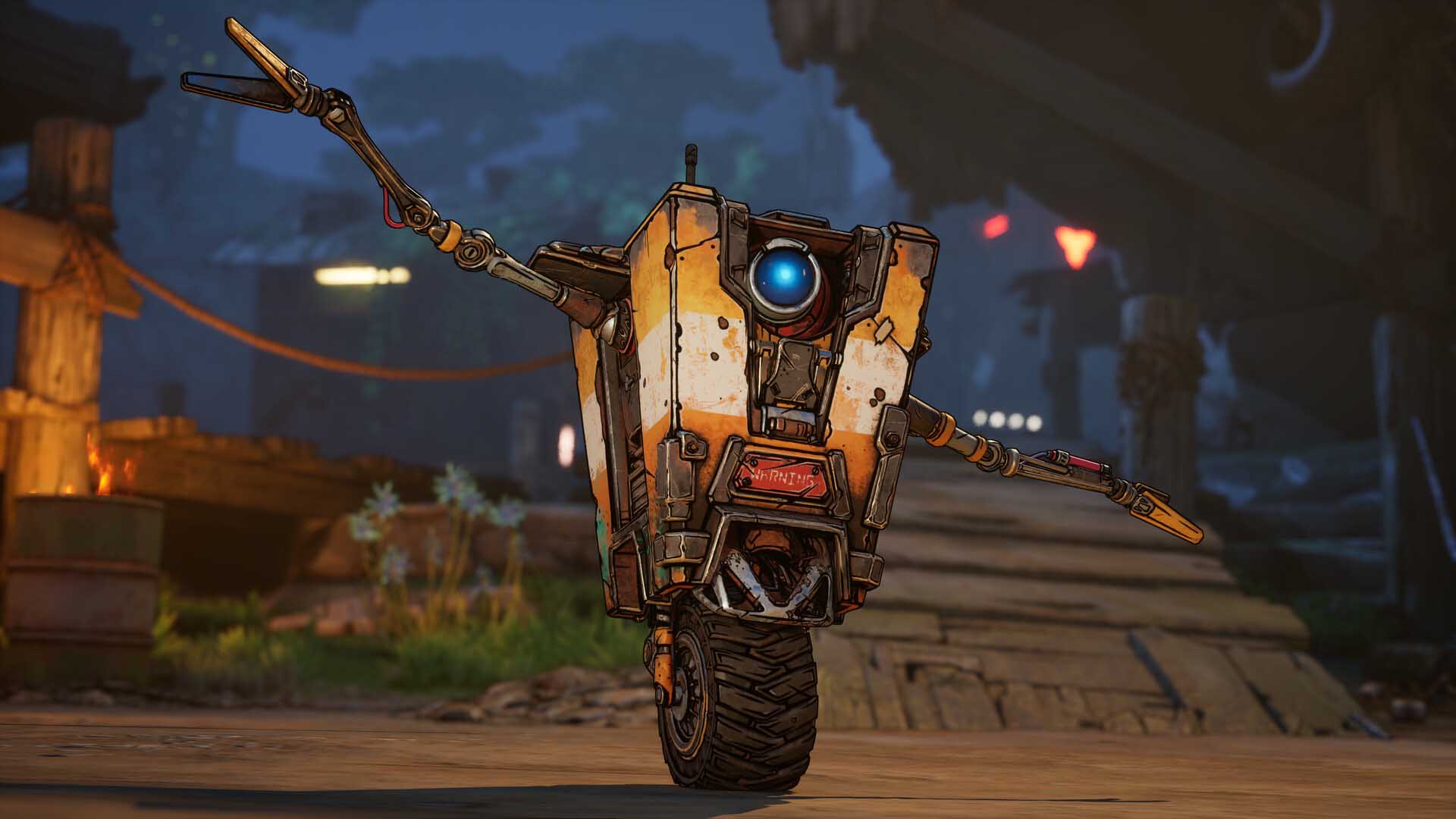
Gearbox’s next chapter in the Borderlands saga takes players to Kairos, a new planet thrown into chaos after Lilith’s teleportation of Elpis (Pandora’s moon) destroyed its protective barrier. Now, a tyrant known as The Timekeeper rules over the fractured world, and it’s up to four brand-new Vault Hunters to bring balance — while looting every shiny weapon in sight.
Gameplay has been supercharged thanks to Unreal Engine 5. For the first time, Borderlands will feature a seamless open world with no loading screens, alongside new traversal mechanics like double-jumps, grappling hooks, gliding, and hover bikes. The loot system has also been refined with new weapon crafting, ordinance slots for heavy gear, and deeper skill trees with socketable abilities.
Multiplayer fans will be pleased to hear that Borderlands 4 supports four-player online co-op, full cross-play, and two-player split-screen on PS5 and Xbox Series X|S.
It’s the most technically ambitious Borderlands yet, but to play it on PC you’ll need some serious horsepower.
Minimum PC Requirements Explained
To simply run Borderlands 4, here’s what you’ll need:
- OS: Windows 10 / 11 (64-bit)
- Processor: Intel Core i7-9700 / AMD Ryzen 7 2700X (8-core CPU required)
- Memory: 16 GB RAM
- Graphics: RTX 2070 / RX 5700 XT / Intel Arc A580 (8 GB VRAM required)
- Storage: 100 GB on an SSD
At minimum, this setup will let you play the game at 1080p, medium settings, and around 60 FPS. But don’t expect miracles — in heavy firefights or co-op with multiple players, performance dips may happen.
The most important detail here is that Gearbox has made an SSD mandatory. Traditional hard drives just won’t cut it with the game’s seamless open-world design. If you don’t already own an SSD, upgrading is non-negotiable.
Recommended PC Requirements Explained
If you want to enjoy Borderlands 4 the way Gearbox intended — fluid combat, high resolutions, and no stuttering — here’s what you’ll need:
- OS: Windows 10 / 11 (64-bit)
- Processor: Intel Core i7-12700 / AMD Ryzen 7 5800X
- Memory: 32 GB RAM
- Graphics: RTX 3080 / RX 6800 XT / Intel Arc B580
- Storage: 100 GB on SSD (NVMe recommended)
This spec level is designed for 1440p or 4K gaming at high to ultra settings, with 60–120 FPS performance. The bump to 32 GB RAM is significant: with less memory, you might see stutter when running Discord, browsers, or streaming apps in the background.
The GPU recommendations are high-end cards from the last few generations, but for future-proofing — and to get the best out of DLSS 4 — the new RTX 50 series cards are strongly advised.
Why Are the Requirements So High?
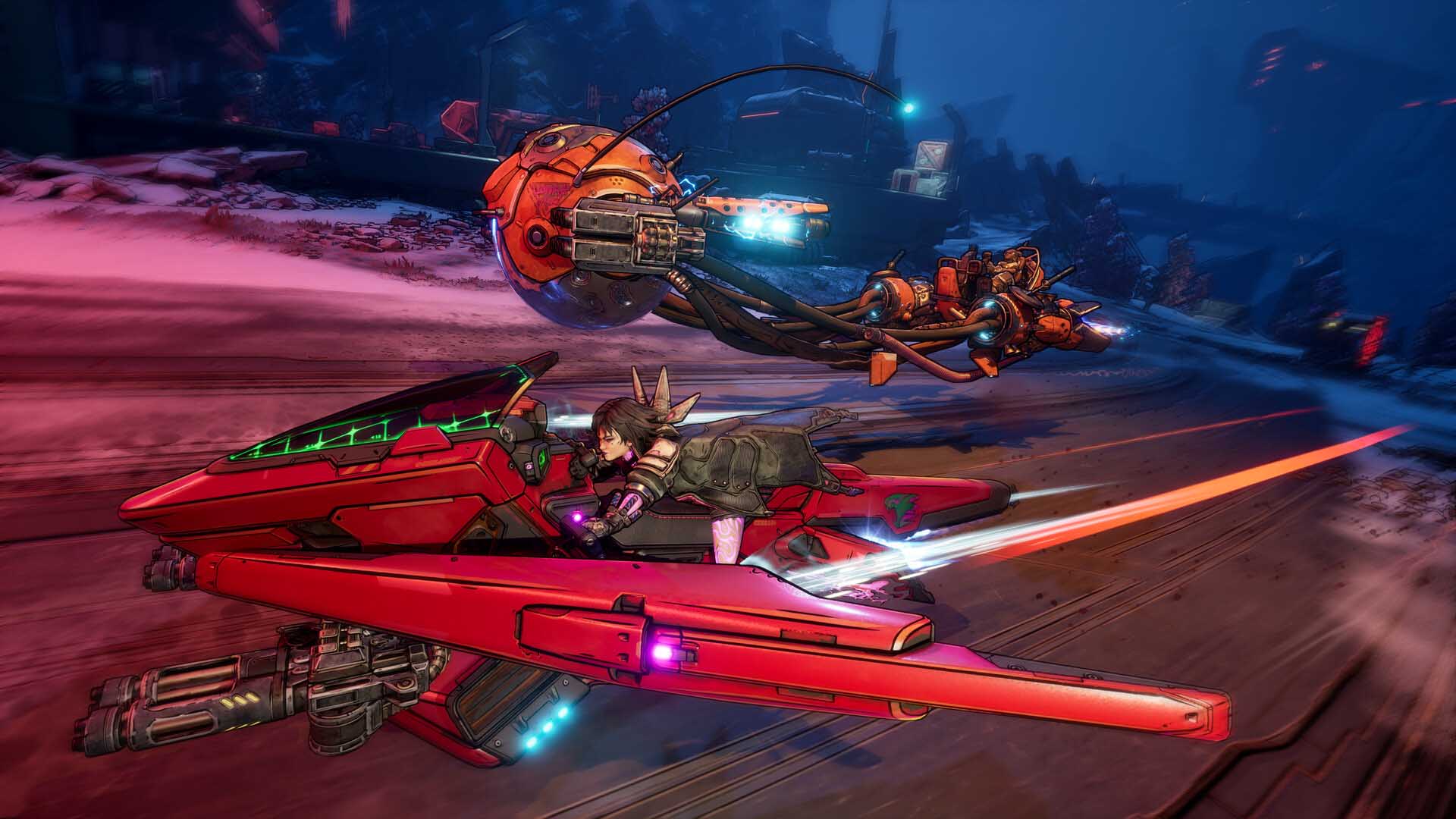
Borderlands has always pushed limits, but Borderlands 4 is the first true next-gen-only entry in the franchise. The jump to Unreal Engine 5 means vastly more detailed environments, better lighting, denser combat encounters, and advanced physics.
Gearbox has removed loading screens entirely. The game world streams in real-time as you move across Kairos, which is why an SSD isn’t just recommended — it’s required. Hard drives simply can’t stream assets fast enough to keep up.
Randy Pitchford himself warned that lower-end systems may struggle, stating that if the game runs at all on weaker PCs, “it’s a miracle.” That bluntness underscores the game’s ambition.
Additionally, new mechanics like grappling, hover bikes, and gliding mean larger environments must be rendered with smooth traversal in mind. Combine this with a loot system supporting billions of weapon variations and online co-op chaos, and it’s clear why Borderlands 4 is so hardware-hungry.
What This Means for PC Gamers
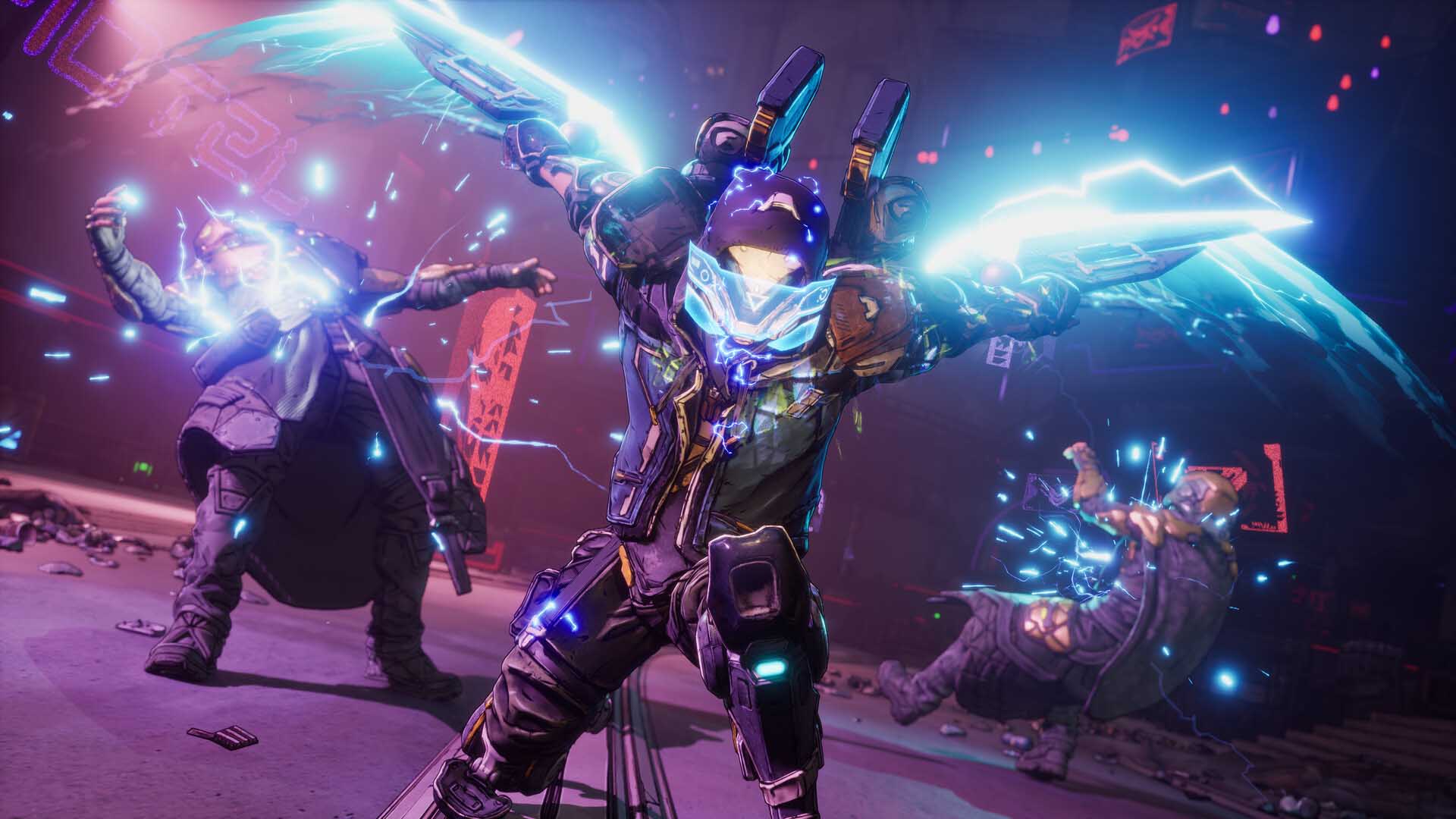
If your PC is already equipped with an 8-core CPU, 32 GB of RAM, and a GPU on par with an RTX 3080, you’re in good shape. For everyone else, upgrading may be unavoidable.
The good news is that the game scales well — medium settings on an RTX 2070 will still deliver a playable experience at 1080p. But if you want high-refresh performance or 4K visuals, investing in stronger hardware is essential.
The SSD requirement is another big step — many gamers still run games on HDDs. For Borderlands 4, that’s no longer an option. Expect more next-gen titles to follow suit.
Gearbox is also preparing Day-1 patches and optimisation updates, but early adopters shouldn’t expect miracles on low-spec hardware. If your system is near or below the minimum, now’s the time to plan an upgrade.
Preparing Your Rig: What You Need to Upgrade
OS
You’ll need at least Windows 10 to run Borderlands 4. If you’re still on Windows 7 or 8, you’ll need to upgrade. We strongly recommend Windows 11, as support for Windows 10 ends this autumn. The good news? If you’re already on Windows 10, upgrading to Windows 11 is free.

Explore all our Windows operating systems here
Processor
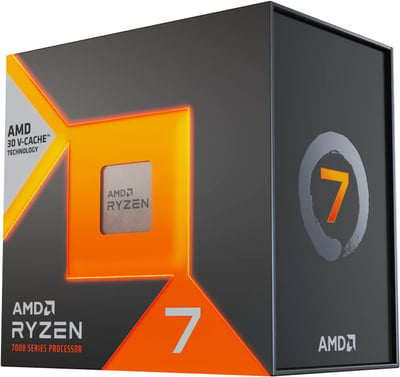
The baseline is an 8-core CPU like the Intel Core i7-9700 or AMD Ryzen 7 2700X. For smooth 1440p/4K gameplay at stable 60–120 FPS, you’ll want something newer. We recommend the AMD Ryzen 7 7800X3D or Intel Core Ultra 7 265F for the best balance of price and performance.

Explore all our processors here
Memory
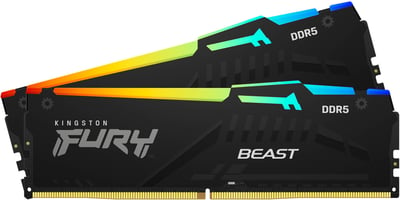
16 GB RAM is the minimum, but for high/ultra settings and multitasking, 32 GB is strongly recommended. We suggest the Kingston FURY Beast RGB 32GB DDR5 kit — fast, stable, and great for gaming.
Explore all our RAM options here
Graphics
At the bare minimum, an RTX 2070 or RX 5700 XT can manage 1080p at 60 FPS. For 1440p–4K at high settings, the RTX 3080 or RX 6800 XT were ideal, but they’re no longer widely available. That’s why we recommend the new RTX 50 series GPUs.
These cards support DLSS 4, delivering massive FPS boosts with AI frame generation. For most players, the RTX 5070 is the sweet spot: perfect for 1440p and even 4K with DLSS enabled.
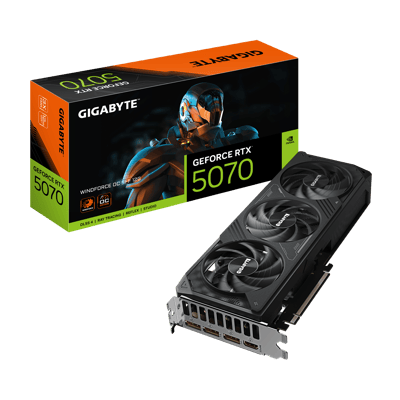
Explore all our graphics cards here
Storage
An SSD is mandatory. While a SATA SSD will work, a NVMe SSD is strongly recommended for smoother streaming and faster load times. With post-launch DLC, the total install size will easily exceed 100 GB. Our top pick: the Kingston NV3 1TB PCIe 4.0 NVMe SSD — reliable, fast, and affordable.
.png)
Motherboard Bundles
If you’re planning a big upgrade, CCL’s motherboard bundles are the easiest way to build or refresh your gaming rig. Each bundle includes a CPU, motherboard, RAM, and cooler, all pre-tested for compatibility.
Why Choose a Bundle?
- Everything Just Works — no compatibility headaches.
- Great Value — cheaper than buying separately, plus extra savings with code MOTHER10.
- Built for Now & Later — DDR5, PCIe 4.0/5.0, and modern AM5 sockets.
- Peace of Mind — pre-tested with a 3-year warranty.
Bundle Options:
1080p Gamer Bundle

Perfect for players who just want to jump into Borderlands 4 without spending big. This bundle is aimed at 1080p resolution, letting you run the game smoothly at medium-to-high settings. Great if you’re a casual gamer, mainly play solo, or don’t mind lowering some settings to keep things affordable.
1440p Gamer Bundle

If you want to experience Borderlands 4 with more detail and smoother frame rates, this mid-range bundle is ideal. It’s designed for 1440p gaming, where the game really shines — environments look sharper, firefights feel smoother, and you’ll still have performance headroom for co-op chaos. It’s the sweet spot between price and performance.
4K UHD Gamer Bundle

For those who want the absolute best Borderlands 4 experience, this bundle is built for 4K ultra settings. With the extra power, you’ll enjoy every detail of Gearbox’s seamless world, massive firefights, and next-gen effects without compromise. Perfect for enthusiasts, streamers, or anyone who wants to future-proof their system for years of DLC and expansions.
These bundles make it simple to pick the right performance level for how you want to experience Borderlands 4 — from smooth 1080p mayhem to jaw-dropping 4K chaos.
Pre-Built PC Recommendations
Not everyone wants to build their own PC, and that’s perfectly fine — CCL offers pre-built gaming systems that are tested, reliable, and ready to play Borderlands 4 right out of the box. With NVIDIA’s latest RTX 50-series GPUs, each of these systems also supports DLSS 4, letting you boost frame rates and even push beyond your base resolution for smoother gameplay.
Budget-Friendly: Horizon Ryzen 5 RTX 5060

This entry-level option is perfect for enjoying Borderlands 4 at 1080p resolution. Out of the box, you’ll get smooth performance at medium-to-high settings, and with DLSS enabled, you can push closer to higher refresh rates or even dabble in 1440p gaming. Great for casual Vault Hunters who want value without sacrificing the experience.
Mid-Tier Powerhouse: Horizon Ryzen 5 RTX 5070

Built for 1440p gaming, this system strikes the balance between affordability and performance. The RTX 5070 delivers plenty of power for high/ultra settings, while DLSS 4 ensures even smoother frame rates and makes 4K a viable option if you want to push the visuals further. Perfect for co-op sessions and players who want that extra fluidity in combat.
The Ultimate Beast: Horizon Ryzen 7 9700X RTX 5090

The ultimate way to experience Borderlands 4. At native 4K ultra settings, this rig is already a monster, but DLSS 4 with Frame Generation lets you reach sky-high frame rates for the smoothest possible gameplay. Ideal for enthusiasts, streamers, or anyone who wants to play at the absolute cutting edge.
With DLSS boosting performance across the board, these pre-built systems make it easy to choose the right setup for how you want to experience Borderlands 4 — whether that’s smooth 1080p mayhem, silky 1440p firefights, or uncompromising 4K chaos.
Conclusion

Borderlands 4 is shaping up to be the most ambitious looter-shooter yet, but it also marks a turning point for PC gaming requirements. With Unreal Engine 5, a seamless open world, and advanced mechanics, this is a game designed for modern hardware — and older systems simply won’t cut it.
For PC gamers, this means making upgrades now: Windows 11, an 8-core CPU, 32 GB RAM, a modern GPU, and a fast SSD. Thankfully, options like RTX 50 series GPUs (with the free Borderlands 4 bundle), CCL’s motherboard kits, and pre-built PCs make upgrading easier and more affordable than ever.
If you’re ready to experience mayhem on a new level, now’s the time to prepare. Come September, the vaults of Kairos await — will your rig be ready to open them?