


.png?width=274&height=200&scale=canvas)


.png?width=500?width=274&height=200&scale=canvas)

.png?width=274&height=200&scale=canvas)

.png?width=274&height=200&scale=canvas)


Hard Drives & Mass Storage
Hard disk drives (HDDs) are the ideal starting point for high-capacity, cost-effective storage. They comfortably handle large game libraries, media collections, backups, and general everyday use, and with significantly lower cost per terabyte than SSDs, you can store more for less. If you're working with a tighter budget or need dependable mass storage for a secondary drive or system, HDDs remain the smart and practical choice.
Filters & Sort


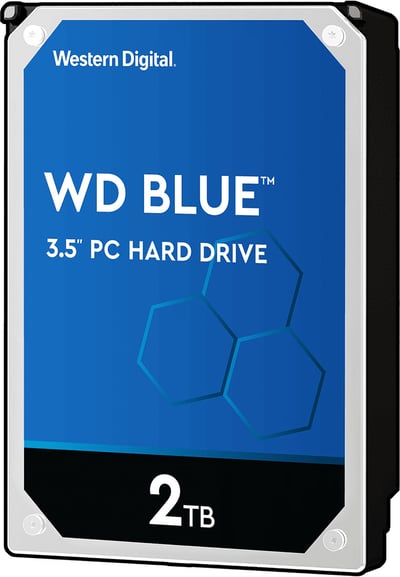
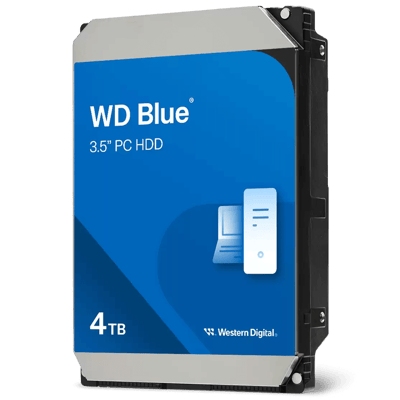


15c4a9e9-554b-40f1-be41-7b591dc8795e.png)
What is an HDD?
An HDD (Hard Disk Drive) uses spinning magnetic disks to store your data – old school, but still very much worth it. Sure, they're slower than SSDs, but the value is hard to argue with. We're talking multiple terabytes of storage at a price that won't make your eyes water. If you've got a huge game library, a mountain of photos, or just need a reliable place to stash your backups, an HDD has you covered.
HDD vs SSD
If you're building a PC for the first time or just upgrading, you've probably already asked yourself, 'SSD or HDD?' SSDs are fast, quiet, and a great choice for your OS, games, and everyday apps. HDDs are slower, but you get way more storage for your money, making them ideal for bulk files and backups. Honestly, for most builds the sweet spot is using both – speed where you need it, capacity where you don't.
| HDD | SSD | HDD & SSD Combined | |
|---|---|---|---|
| Speed | Slower read/write speeds | Fast boot times, near-instant app loading | Best of both — snappy where it counts |
| OS & System Drive | Not recommended | Perfect for Windows/Linux installs | SSD handles the OS for a fast, responsive system |
| Gaming | Playable but slower | Dramatically reduced load times, less in-game stuttering | Install your most-played titles on SSD, store the rest on HDD |
| Creative Work | Usable for archives, not active projects | Ideal for video editing, rendering & large file workflows | Edit from the SSD, archive finished projects to HDD |
| Mass Storage & Backups | Excellent value for large data storage | Expensive at high capacities | Use HDD for bulk files, backups & media libraries |
| Noise & Heat | Audible, generates more heat | Silent, runs cool | Near-silent overall with SSD as primary |