

.png?width=274&height=200&scale=canvas)


.png?width=500?width=274&height=200&scale=canvas)

.png?width=274&height=200&scale=canvas)

.png?width=274&height=200&scale=canvas)


Introduction – The Return of a Classic
“Kept you waiting, huh?”
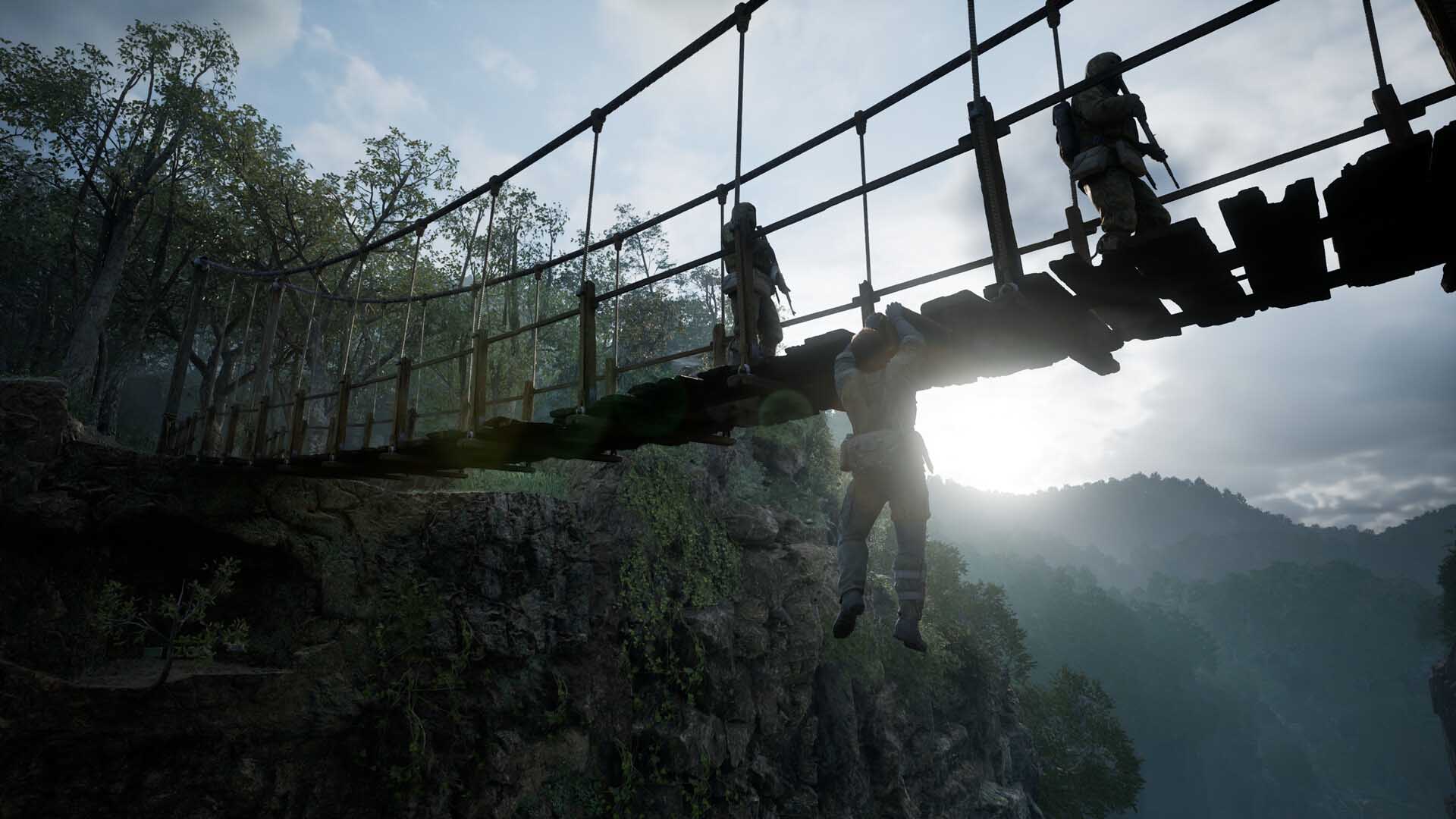
After years of rumors, Konami has finally brought back one of the most iconic stealth games of all time: Metal Gear Solid 3: Snake Eater — now reimagined as Metal Gear Solid Δ: Snake Eater. For many of us, Snake Eater isn’t just another entry in the Metal Gear series — it’s the one. The Cold War jungle setting, the unforgettable boss fights, the emotional finale… it was the game that cemented Hideo Kojima’s legend.
Fast forward to 2025, and Snake Eater has been rebuilt from the ground up in Unreal Engine 5. It’s not a simple remaster, but a full remake — with modern controls, incredible visuals, and just enough quality-of-life updates to feel fresh without losing the soul of the original.
But let’s be real: jungle camouflage and Cold War espionage are only fun if your gaming PC can actually run the game smoothly. And if you want to fully appreciate the dense jungles and cinematic detail, pairing your rig with a high-refresh gaming monitor can make a huge difference too.
So let’s break down what’s new in this remake, the system requirements you’ll need to meet, and how to upgrade your setup if you want to experience Snake’s mission the way it was meant to be played.
What’s New in Metal Gear Solid Delta (2025)
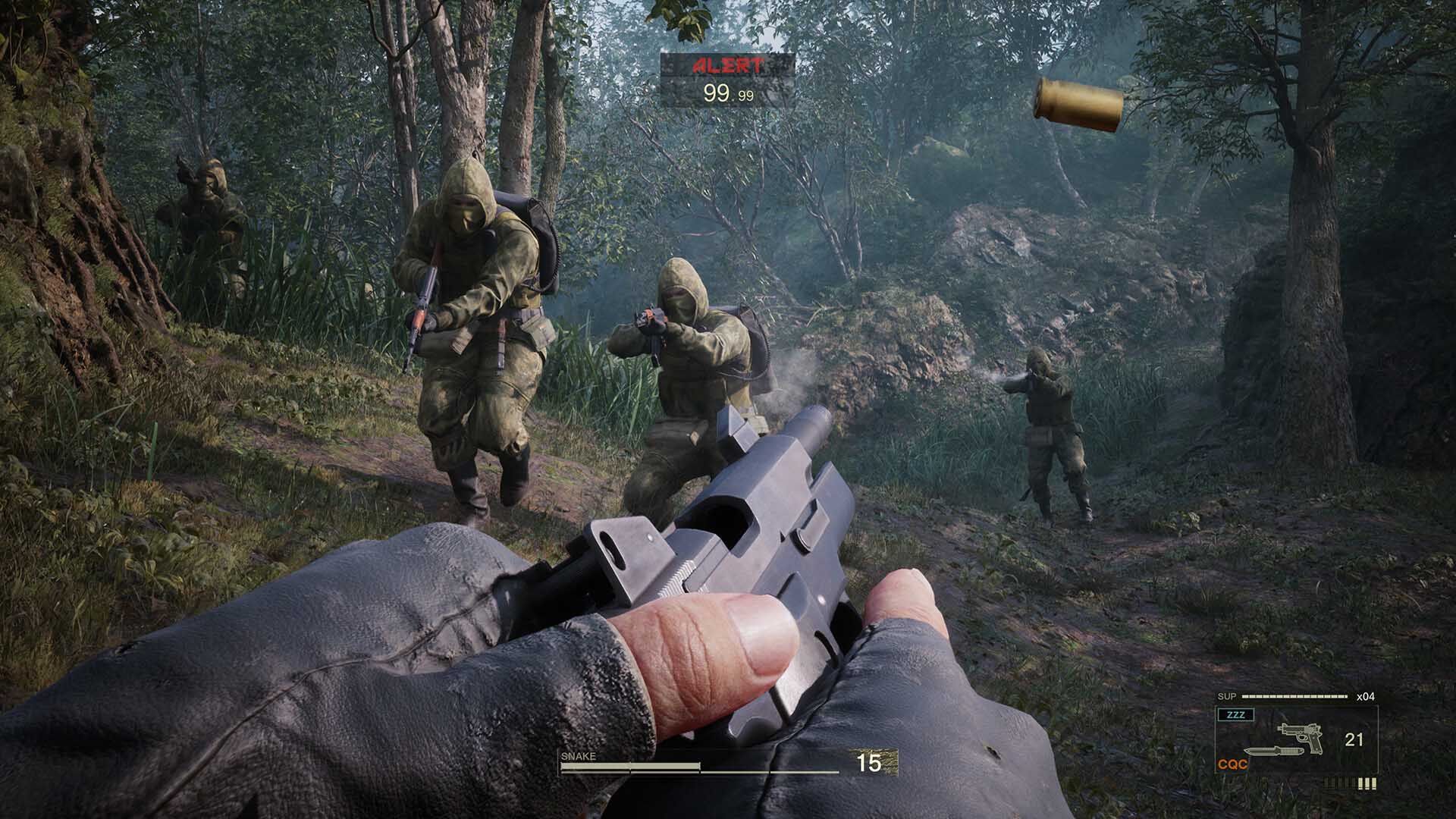
So, what makes Delta more than just “Snake Eater with better graphics”?
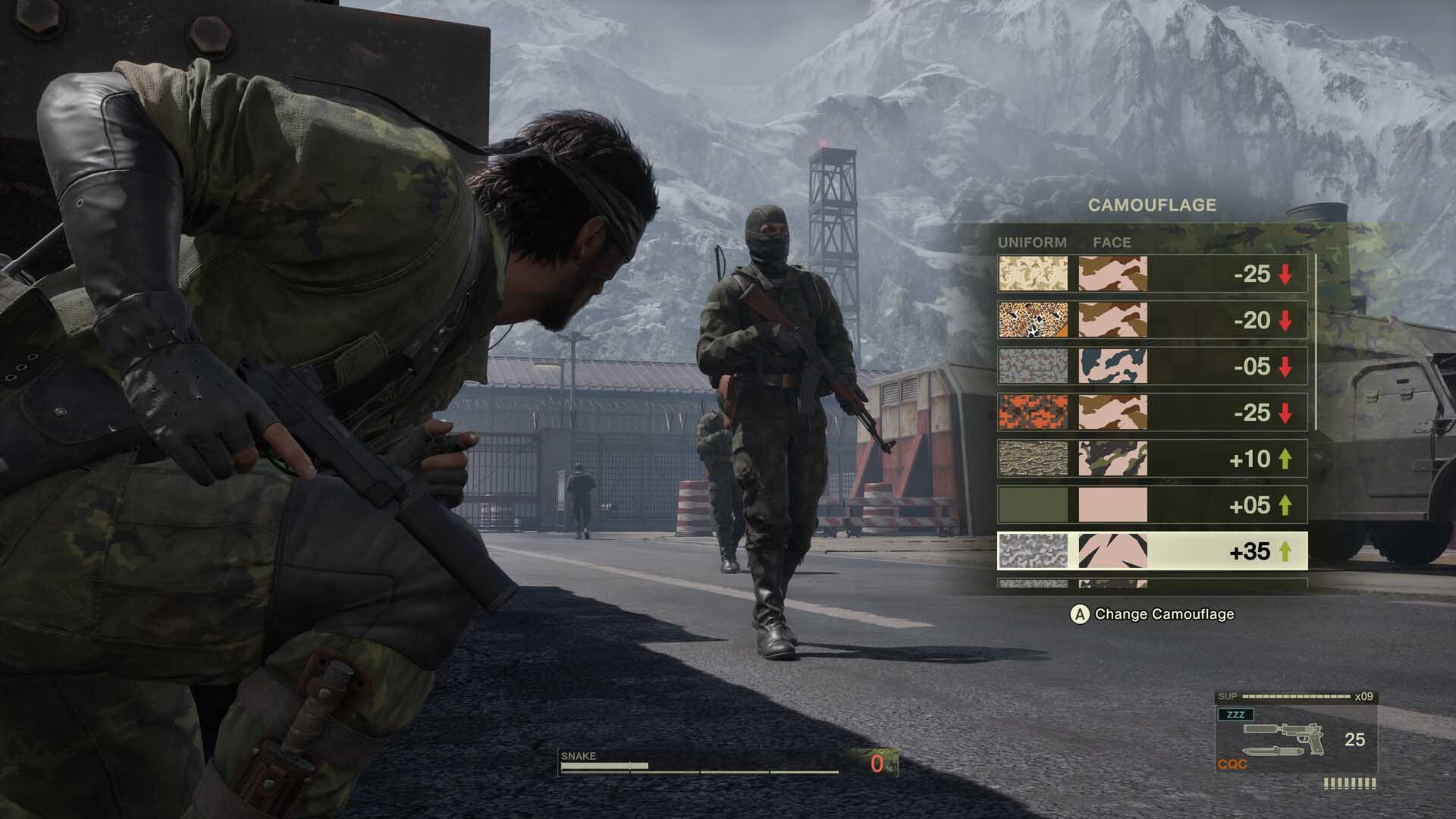
- Unreal Engine 5 Powerhouse – The jungle feels alive in a way it never has before. Mud sticks to Snake’s uniform, rain drips realistically from leaves, and battle damage shows up on his body as you patch him up in real time.
- Modern Control Options – You can play with the Legacy Style (classic fixed camera, just like the PS2 original) or switch to a New Style with smooth third-person controls more like Metal Gear Solid V.
- Streamlined Gameplay – Camouflage changes no longer require digging through menus mid-fight. Healing injuries, crouch-walking, and using cover all feel smoother.
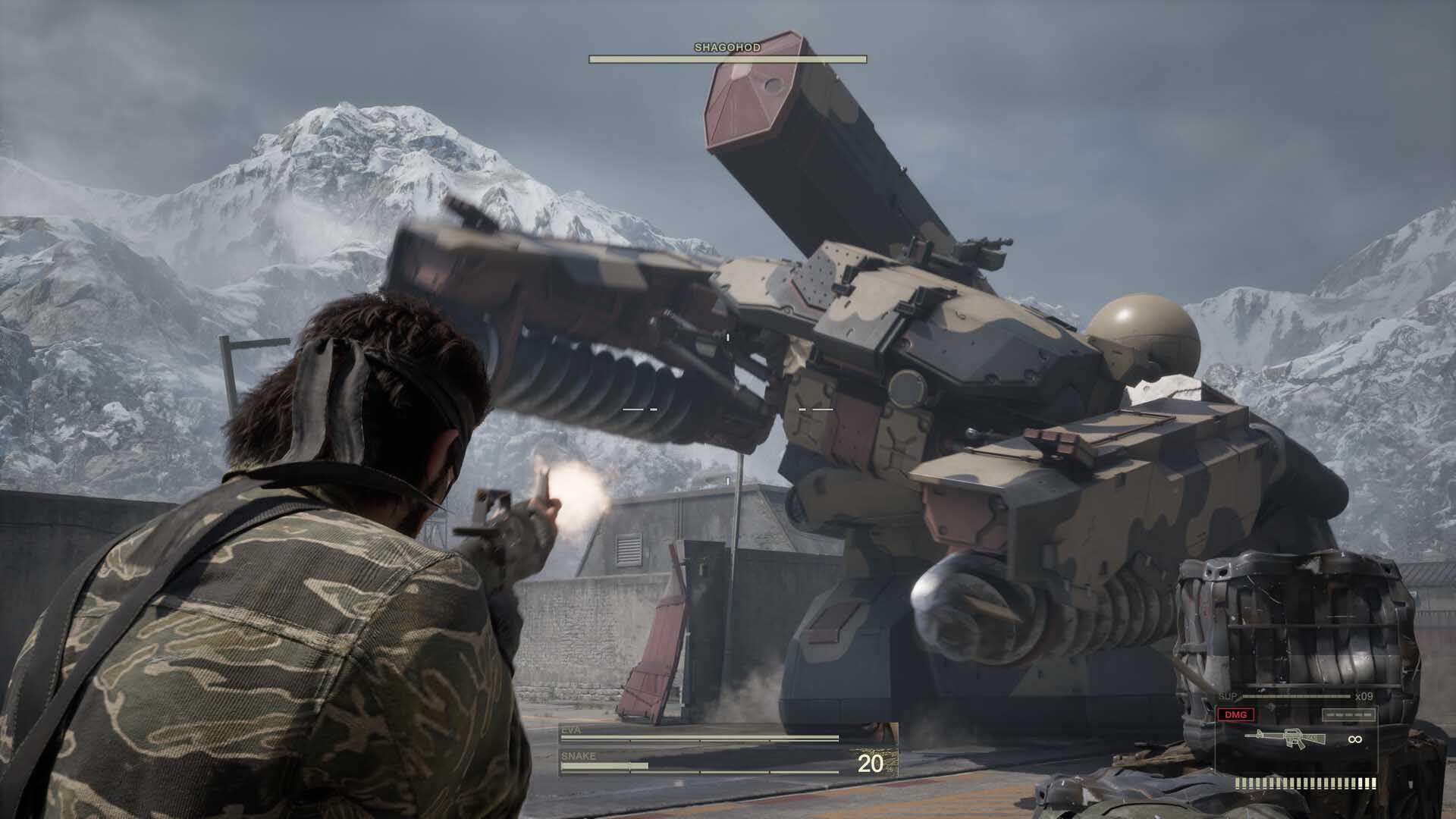
- Faithful Storytelling – The entire narrative, from Snake’s mission to confront The Boss to the wild Cobra Unit encounters, is unchanged. It’s still the same tale that made so many of us misty-eyed the first time.
- Multiplayer Fox Hunt (Coming Later in 2025) – An online stealth-based hide-and-seek mode, rolling out in the fall.
In short, it’s Snake Eater exactly how you remember it — but with the polish, visuals, and gameplay tweaks you’d expect in 2025.
PC Requirements Explained
Here are the official requirements for running Metal Gear Solid Delta: Snake Eater on PC:
| Requirement | Minimum (1080p, Medium) |
Recommended (High / 4K) |
|---|---|---|
| OS | Windows 10 / 11 (64-bit) | Windows 10 / 11 (64-bit) |
| Processor | Intel Core i5-8600 AMD Ryzen 5 3600 |
Intel Core i7-8700K AMD Ryzen 5 3600 |
| Memory | 16 GB RAM | 16 GB RAM |
| Graphics | NVIDIA RTX 2060 Super (8 GB) | NVIDIA RTX 3080 |
| DirectX | Version 12 | Version 12 |
| Storage | 100 GB (SSD Recommended) | 100 GB (SSD Recommended) |
What this actually means for you
- On minimum specs, you can expect to run the game at 1080p medium settings, hovering around 30–60 FPS.
- On recommended specs, you’re looking at 1440p or even 4K gaming at high/ultra settings with smoother 60 FPS performance.
Even if you’re not a “PC parts nerd,” the short version is this: the game is demanding but fair. If your PC is from the last 4–5 years and has a solid graphics card, you’ll probably be fine. But if your rig is a bit older, you might need some upgrades.
Upgrade Advice – Making Sure You’re Ready
If you’re worried your PC won’t cut it, don’t panic. Let’s walk through each requirement and what you can do about it — explained simply.
Operating System (OS)
- You’ll need at least Windows 10 to play.
- However, since Microsoft is ending support for Windows 10 this autumn, we strongly recommend upgrading to Windows 11.
- Good news: if you’re already on Windows 10, Windows 11 is a free upgrade. If not, you can grab a copy of Windows 11 Home or Pro from us easily.


Processor (CPU)
- The recommended CPUs (i7-8700K / Ryzen 5 3600) are over 6 years old.
- Translation: if you bought or upgraded your CPU in the past 5–6 years, you’re probably fine.
- If you do need an upgrade, those exact CPUs aren’t sold anymore. Instead, look at modern equivalents like:


These newer chips will not only handle Snake Eater but future games with ease.
Explore our full range of CPUs here.
Memory (RAM)
- You’ll need 16 GB minimum. This has basically become the standard for modern gaming.
- If you already have 16 GB, you’re good.
- But we’d recommend 32 GB, especially if you multitask with Discord, Chrome, or streaming software while gaming.
- A great option: G.Skill Trident Z5 RGB 32GB DDR5 Kit — fast, reliable, and future-proof.

Find your next RAM upgrade in our full memory range here.
Graphics Card (GPU)
Officially, it’s RTX 2060 Super for minimum and RTX 3080 for recommended.
But here’s what we found from testing:
RTX 5060 → Solid 60 FPS at High settings, 1080p.

RTX 5070 or RX 9070 → Great balance for 60 FPS at 1080p Ultra and 1440p High.
.png)
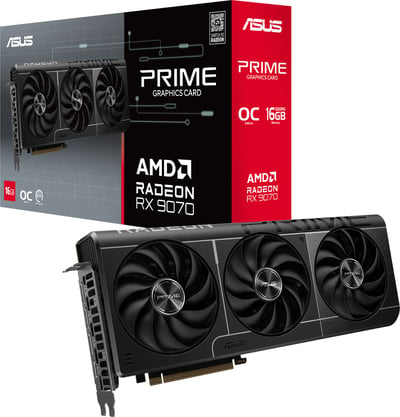
RTX 5080 or RTX 5090 → For those who want flawless 4K gaming.


If you want the game to look as good as the trailers, a 50-series card is where the sweet spot starts.
Check out our full range of graphics cards here.
Storage
- The game takes up 100 GB, and Konami highly recommends an SSD.
- Why? On a traditional hard drive, you’ll face long loading times and texture streaming hiccups.
- Our pick: Samsung 990 EVO Plus 1TB NVMe SSD — fast, affordable, and plenty of space for Snake Eater plus a few more big titles.

Browse our full SSD storage range here.
Going Beyond – Why Motherboard Bundles Are a Smart Option
If you’re doing a big upgrade, don’t overlook motherboard bundles. They take the guesswork out of PC building by giving you a CPU, motherboard, RAM, and cooler all pre-matched and tested. Here’s why they’re worth considering:
- Everything Just Works – No compatibility headaches.
- Great Value – Cheaper than buying parts separately, plus you can save extra with code MOTHER10.
- Built for Now and Later – Latest DDR5 memory, PCIe 4.0/5.0, and modern AM5 sockets.
- Easy Build, No Stress – Pre-tested with a 3-year warranty.
Whether you’re aiming for smooth 1080p gaming, balanced 1440p power, or serious 4K builds, there’s a bundle that’ll save you time and money.


Check out our full range of motherboard bundles here.
Pre-Built PC Recommendations
Upgrading not your thing? No problem — sometimes the easiest route is just going pre-built. Here are three options we recommend, each tested with Snake Eater.
Horizon Ryzen 5 RTX 5060 – Budget Friendly

Performance:
- 1080p Medium – 60 FPS
- 1080p High (DLSS Quality) – 60 FPS
- 1440p Medium (DLSS Performance) – 60 FPS
This is your “entry ticket” — affordable, reliable, and perfect if you’re happy at 1080p.
Horizon Ryzen 5 RTX 5070 – Mid-Tier Powerhouse

Performance:
- 1080p Ultra – 60 FPS
- 1440p Ultra (DLSS Quality) – 60 FPS
- 4K High (DLSS Performance) – 60 FPS
A solid all-rounder. If you want higher fidelity and the option to dabble in 4K, this is the sweet spot.
Horizon Ryzen 7 RTX 5090 – The Ultimate Beast

Performance:
- 4K Ultra – 60 FPS (native, no DLSS needed)
- 8K Ultra with DLSS Performance – ~51 FPS
This is overkill in the best way. If you want the ultimate Snake Eater experience, this rig doesn’t just play the game — it dominates it.
Want to explore even more options? Check out our full range of gaming PCs here.
Conclusion – Is Your PC Ready for Snake Eater?
Metal Gear Solid Delta: Snake Eater is finally here, and it’s everything fans hoped for: faithful, gorgeous, and demanding in all the right ways. But it also asks a lot from your hardware.
Whether you’re upgrading a part or two, grabbing a bundle, or treating yourself to a full pre-built, the goal is the same: make sure Snake’s Cold War mission runs as smoothly as possible. After all, the only thing worse than being spotted by a guard is being spotted by a lag spike.
So check your rig, get your upgrades sorted, and get ready to dive into one of gaming’s most legendary stories all over again.
And remember… kept you waiting, huh?