
.png?width=274&height=200&scale=canvas)


.png?width=500?width=274&height=200&scale=canvas)

.png?width=274&height=200&scale=canvas)

.png?width=274&height=200&scale=canvas)

Credit: Epic Games
Everything You Need to Know About Fortnite Ballistic
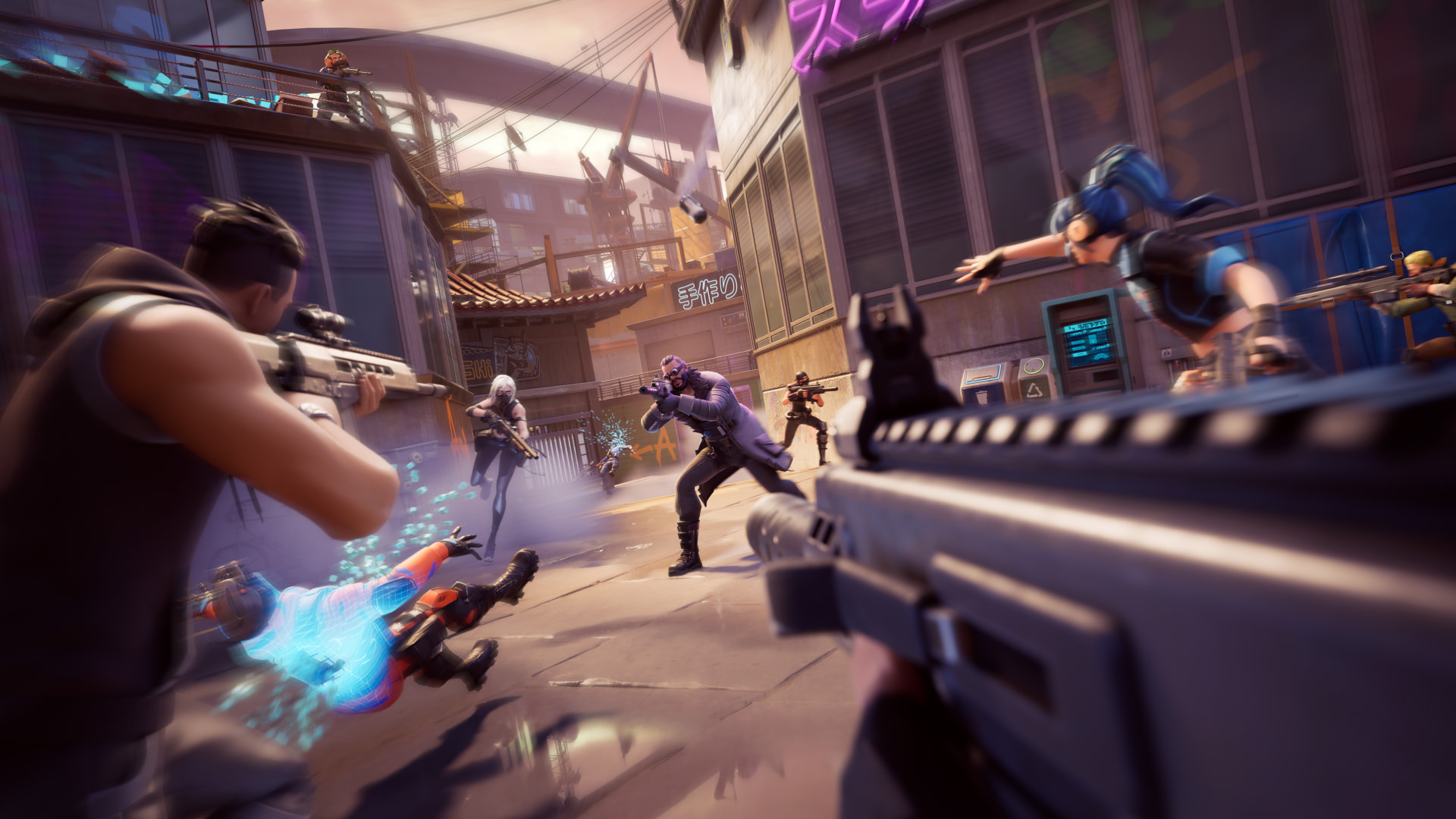
Fortnite, already a gaming phenomenon, is stepping into uncharted territory with its new first-person shooter (FPS) mode, "Ballistic." This latest addition is poised to challenge heavyweights like Valorant and Counter-Strike.
Introducing Fortnite Ballistic
Epic Games, the creators of Fortnite, are launching a groundbreaking round-based 5v5 competitive FPS mode called Ballistic. For the first time, Fortnite is venturing into the intense, strategy-driven world of first-person shooters.
Key Features:
- Round-Based FPS Gameplay: Teams of five face off as attackers and defenders.
- Single Launch Map: Skyline 10.
- Economic Strategy: Players earn and spend Credits each round to purchase weapons and items.
- No Respawns: Rounds end when all members of one team are eliminated or the Rift Point Device is detonated.
With Ballistic, Fortnite elevates itself into the league of legendary FPS games, promising an exciting mix of tactical gameplay and its iconic universe.
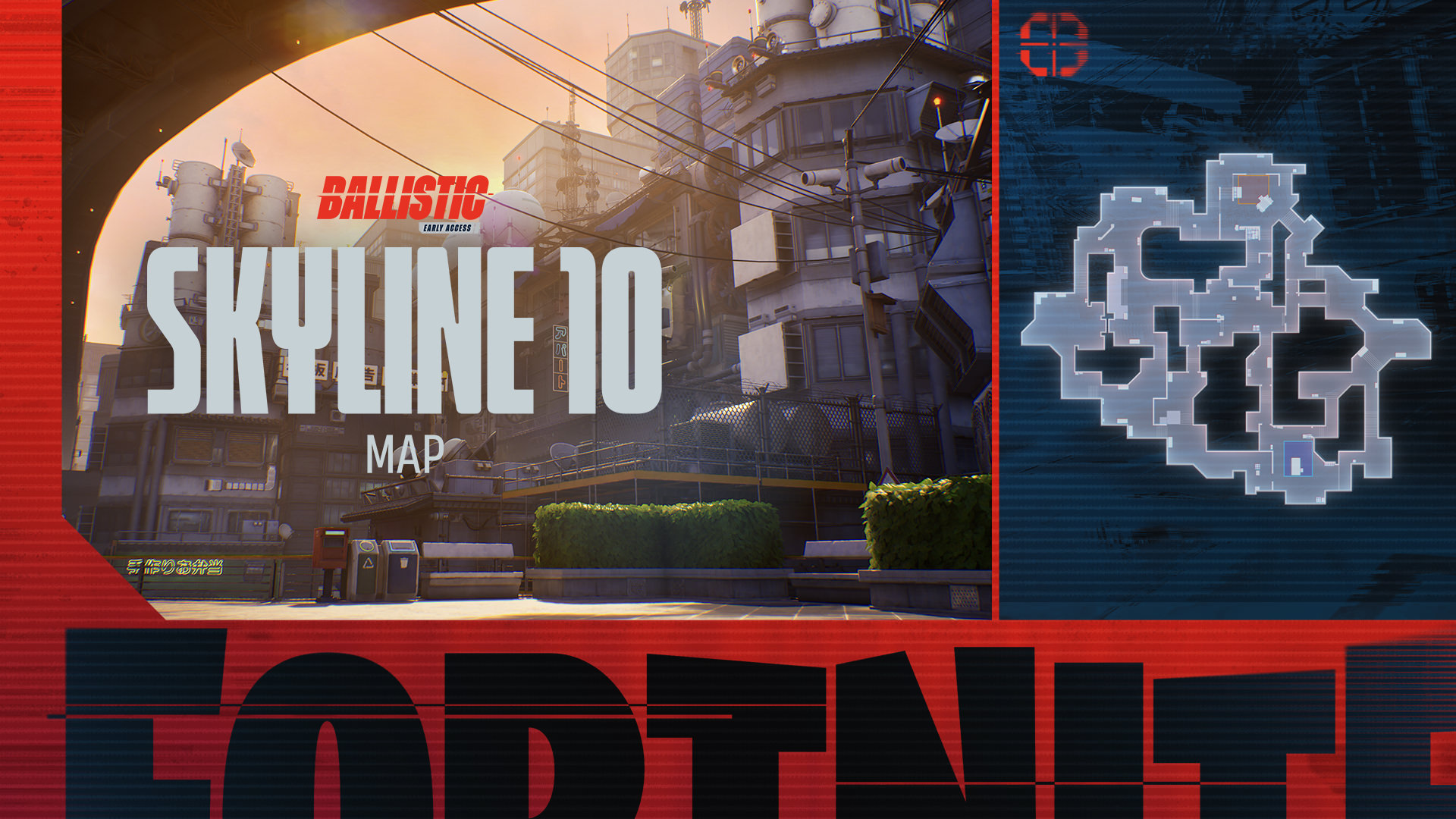
Credit: Epic Games
Why you need an FPS gaming monitor to play Fortnite Ballistic
For FPS games like Fortnite Ballistic, having a gaming monitor specifically tailored for competitive play can drastically improve your reaction times and overall performance. Standard monitors are often designed for general tasks, with features that prioritise cost-efficiency and versatility. Gaming monitors optimised for FPS tend to have faster refresh rates, lower input lag, and better colour accuracy, which are essential for keeping up with the fast-paced action and ensuring you never miss a critical shot or detail.
Our top 3 FPS monitor recommendations to play Fortnite Ballistic
To dominate in Fortnite Ballistic, having the right gaming monitor can make all the difference. Competitive FPS games demand precision, speed, and clear visuals, which are best achieved with gaming monitors tailored for high performance.


What to Look for in a Gaming Monitor for Fortnite Ballistic
Here are the key features to keep in mind when choosing a monitor for FPS gaming:
- High Refresh Rate (144Hz or 240Hz)
The refresh rate determines how many frames per second the monitor can display. A higher refresh rate, such as 144Hz or even 240Hz, will ensure smoother motion and quicker reactions. This is especially important in FPS games where every millisecond counts when you are aiming and reacting to opponents. - Response time a.k.a ‘Low Input Lag’
Input lag is the delay between when you press a button and when it happens on screen. For competitive FPS games a low input lag (around 1ms or less) is crucial to ensuring that your actions are as responsive as possible. Monitors with a quick response time allow for more accurate aim and quicker responses to enemy movements. - Resolution and Screen Size
While 1080p resolution is often sufficient for competitive play (and can improve frame rates on lower-end systems), some players opt for 1440p or even 4K for better visuals. The screen size also plays a role in your field of view, with a 24 to 27-inch monitor being ideal for FPS games. A larger screen can be more immersive, but make sure the resolution matches the size for optimal clarity. - G-Sync or Free Sync Support
These technologies help eliminate screen tearing, stuttering, and input lag by synchronising the monitor’s refresh rate with the frame rate of your GPU. G-Sync is for Nvidia cards, while FreeSync is for AMD cards. Using either of these ensures smoother gameplay, reducing distractions and allowing for a more competitive experience.
Bonus tip for playing Fortnite Ballistic from one of our PC buyers…
Ergonomics and Customisation or ‘Are you sitting comfortably, then begin….’
Think about your posture! Adjustable stands, tilt, swivel, and height adjustments help ensure you have the best and most comfortable viewing angle during long gaming sessions.
Looking at monitors in particular and this type of ‘comfort consideration is often overlooked – yet it’s essential for those who want to maintain focus and precision over extended periods. Consider a monitor with blue light reduction and flicker-free features to reduce eye strain.
And finally……

Credit: Epic Games
What Epic Games (the publisher) have said about the game.
"In Ballistic, players are sorted into two teams at the start of the match: attackers and defenders. Attackers aim to plant a reality-tearing Rift Point Device at one of two sites on the map, while defenders do their best to thwart the device from being planted and detonated.
There are no respawns in Ballistic — a round is over if the Rift Point Device explodes, or either team is fully eliminated. After 6 rounds, players will swap sides, giving defenders a chance to be attackers and vice-versa. The game is over when either team has won 7 rounds total!"
Moreover, players will earn currency that they can spend on weapons and items depending on how well they and their team perform. "You'll start the game with a Ranger Pistol and 800 Credits. In Ballistic, Credits can be earned from scoring eliminations and planting the Rift Point Device, and spent within a match at the beginning of every round on additional items and weapons to bolster your chances of success."
What is the best PC for Fortnite Ballistic?
To run Fortnite Ballistic smoothly, you'll need a PC that can handle the game's high demands for fast-paced FPS gameplay
Here are CCL’s best computers for running Fortnite Ballistic:
Click here to explore detailed specs, benchmarks, and performance comparisons of our top gaming PCs to find the perfect setup for your needs.

Horizon Ryzen 7 5700G Gaming PC
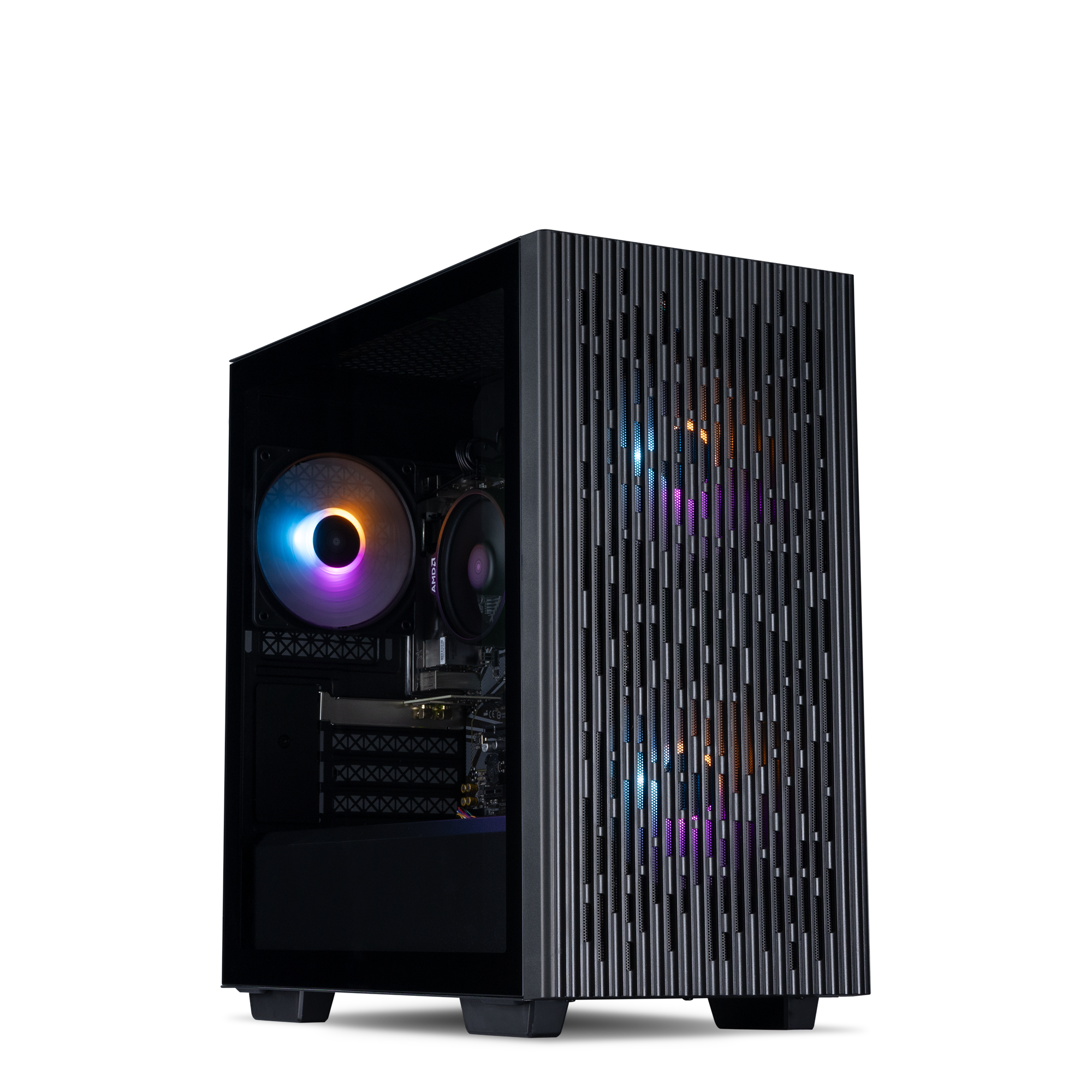
- Windows 11 Home
- AMD Ryzen 7 5700G CPU
- 16GB DDR4 Memory
- 500GB Gen4 NVMe SSD
- Radeon 8 CPU Graphics
- Wi-Fi 5

Horizon Ryzen 5 RTX 3050 Gaming PC
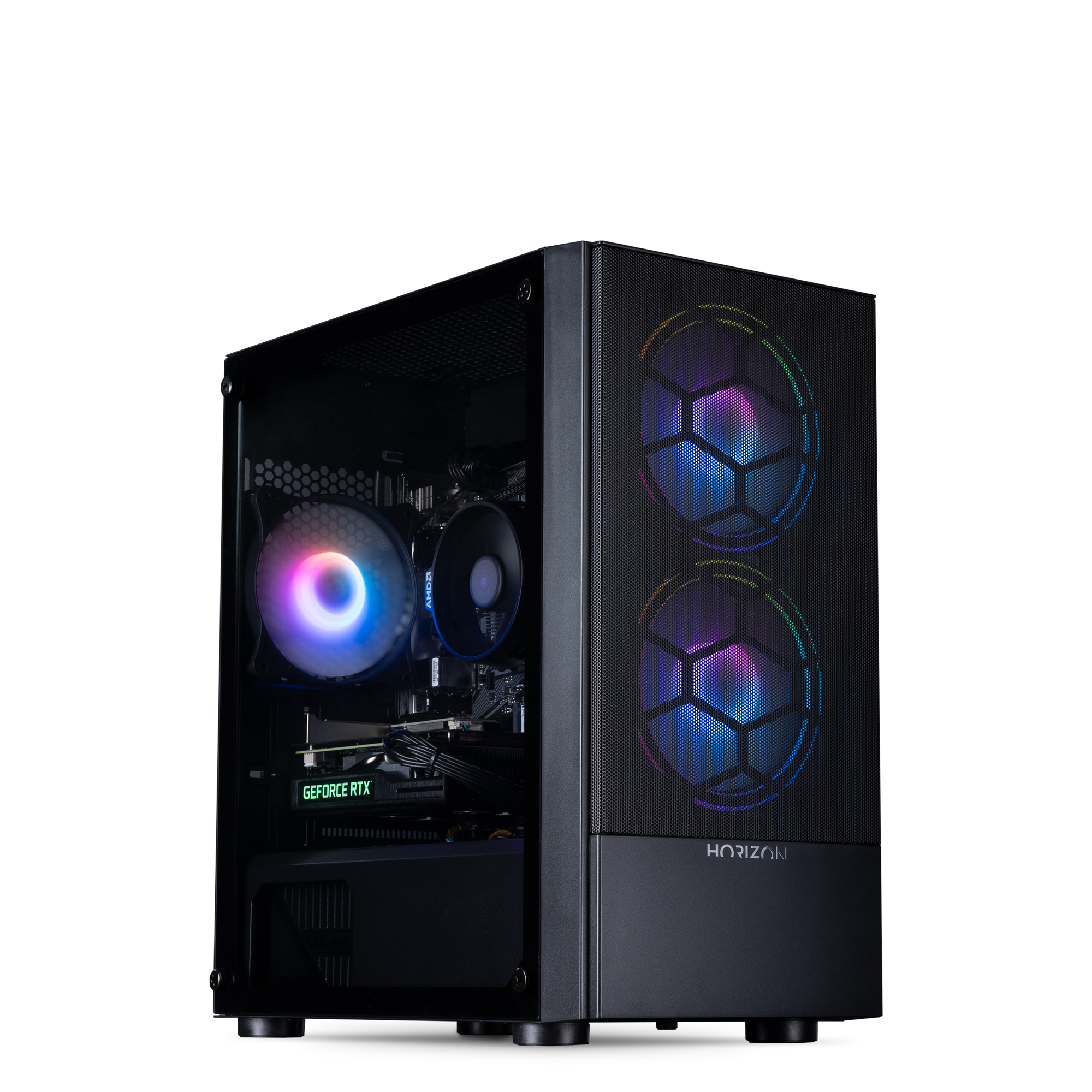
- Windows 11 Home
- AMD Ryzen 5 5500 CPU
- 16GB DDR4 Memory
- 500GB Gen4 NVMe SSD
- GeForce RTX 3050 8GB
- Wi-Fi 5

Horizon Core i5 RTX 4060 Ti Gaming PC
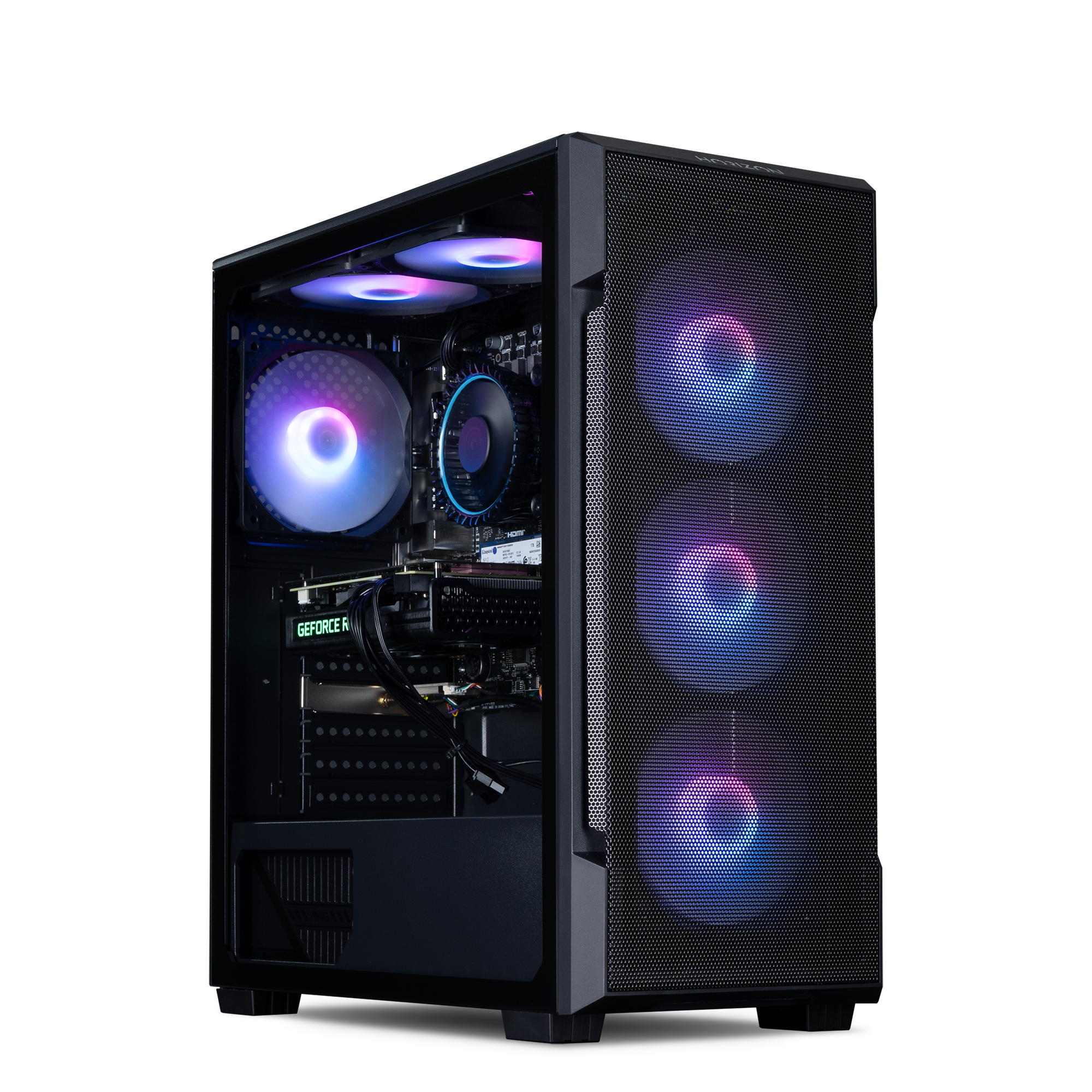
- Windows 11 Home
- Intel Core i5-12400F CPU
- 32GB DDR4 Memory
- 1TB Gen4 NVMe SSD
- GeForce RTX 4060 Ti 8GB
- Wi-Fi 5