

.png?width=274&height=200&scale=canvas)


.png?width=500?width=274&height=200&scale=canvas)

.png?width=274&height=200&scale=canvas)

.png?width=274&height=200&scale=canvas)

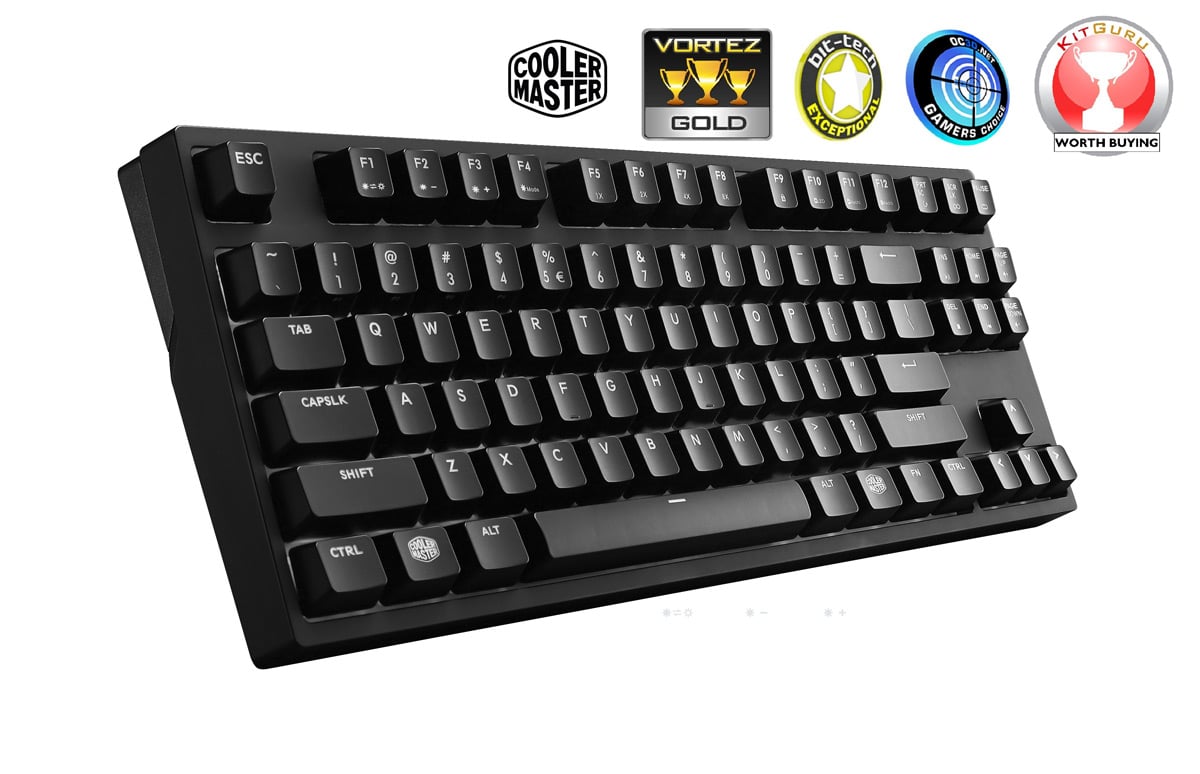
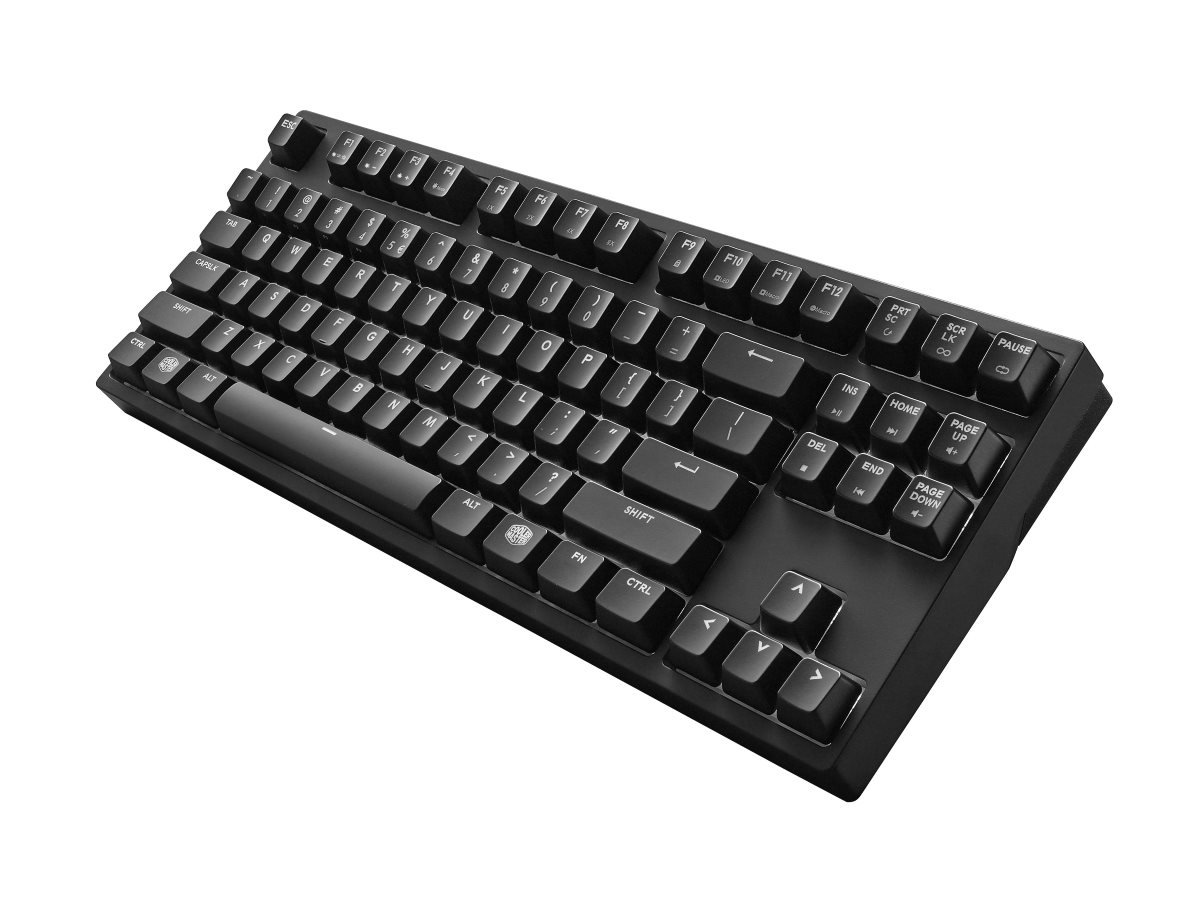
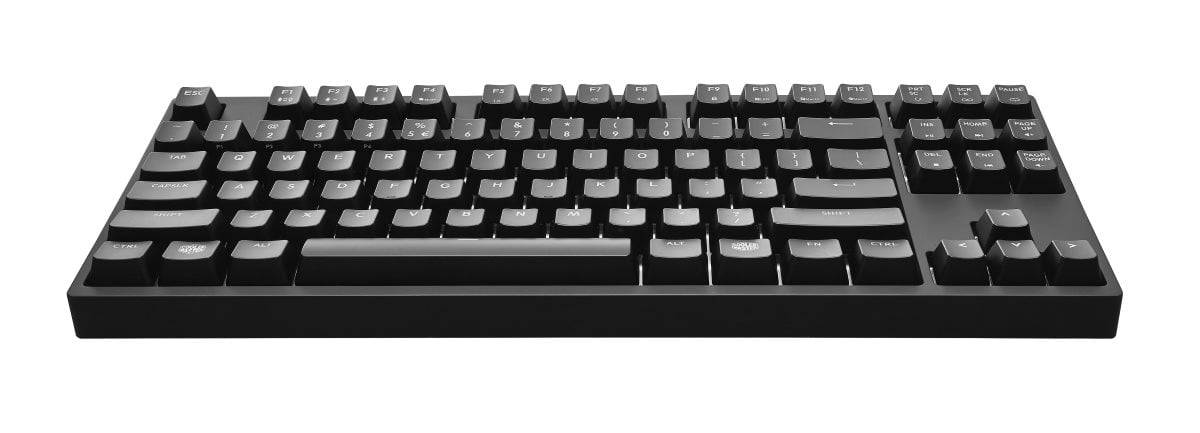
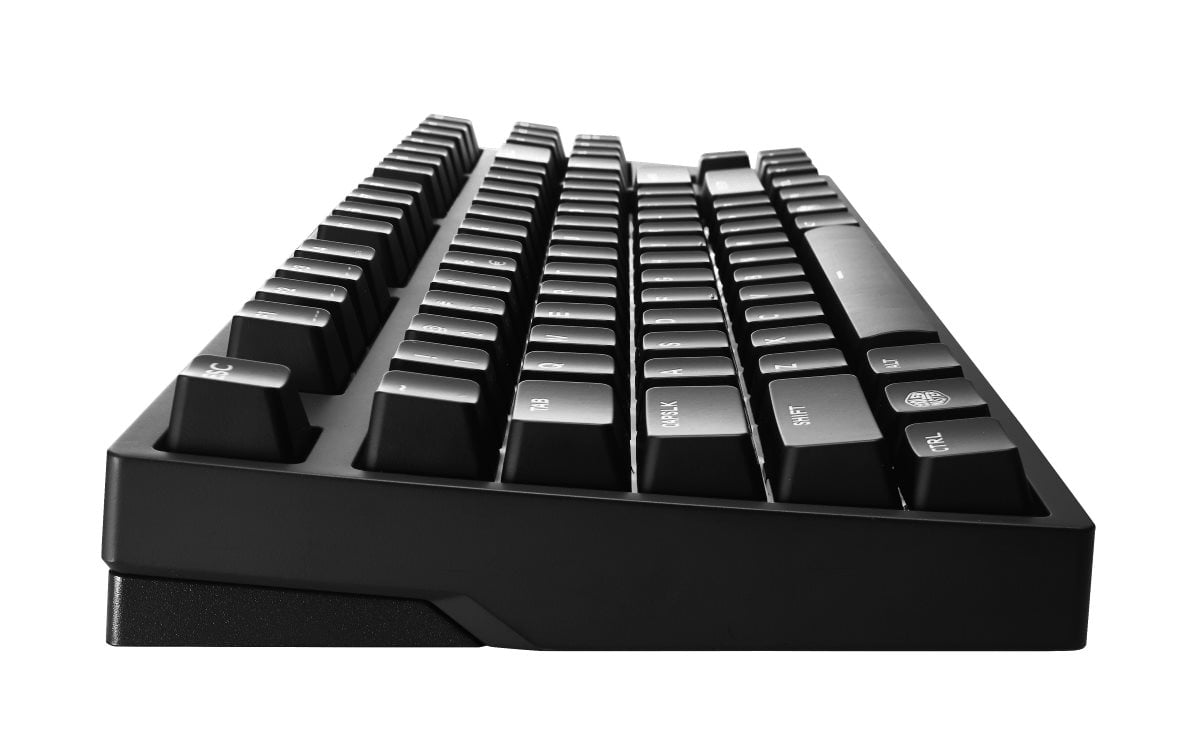
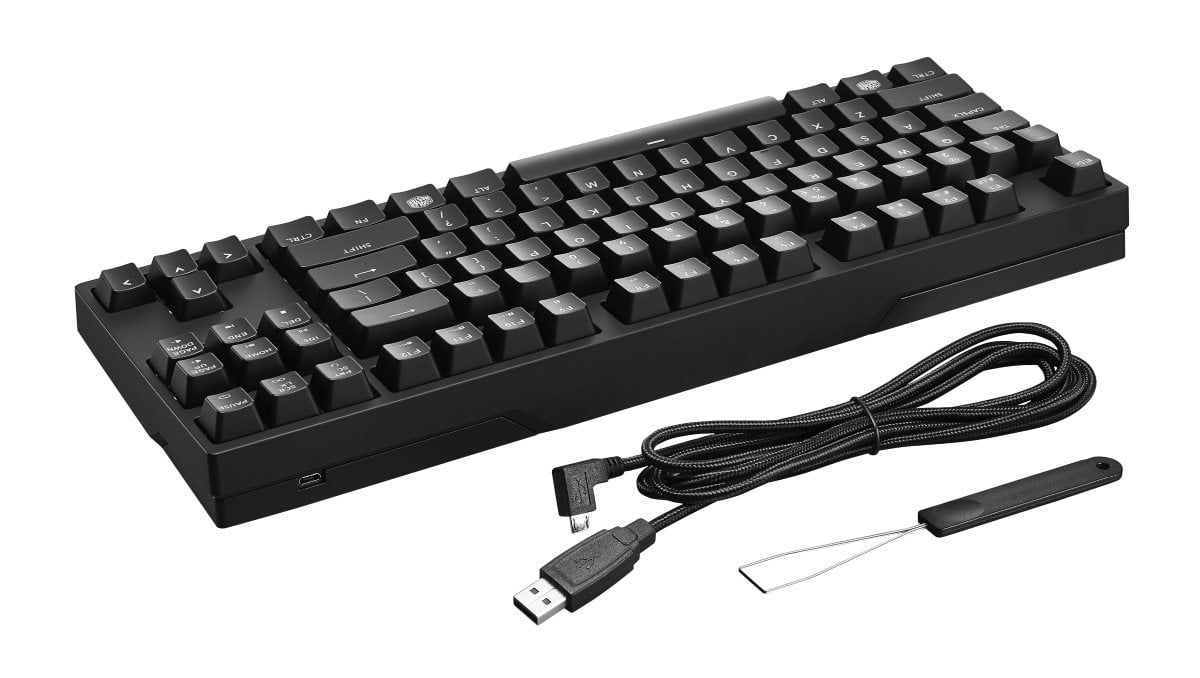
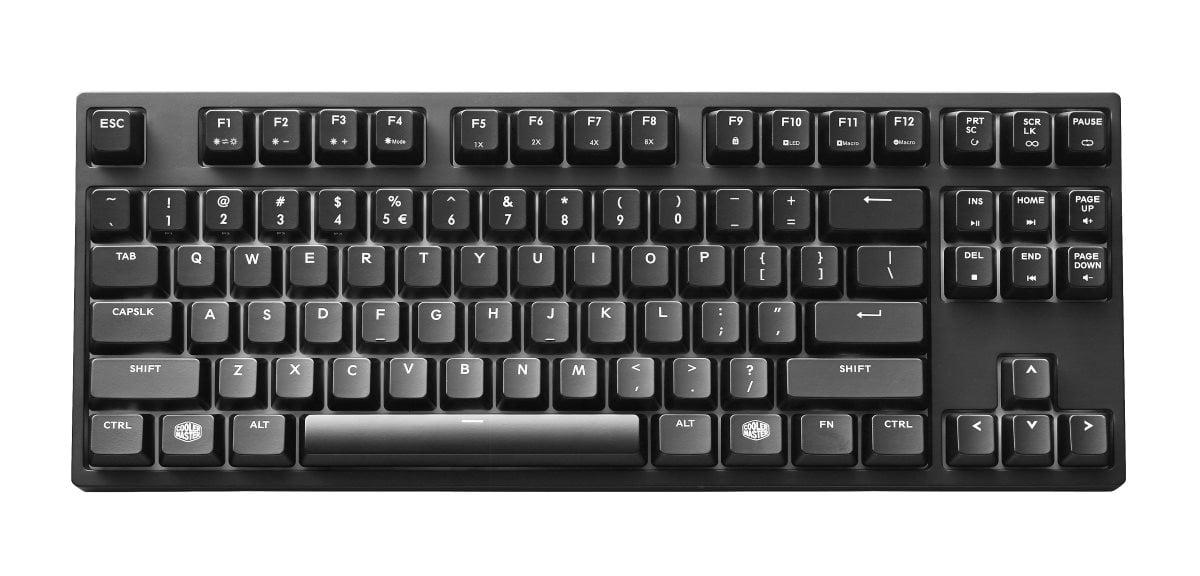
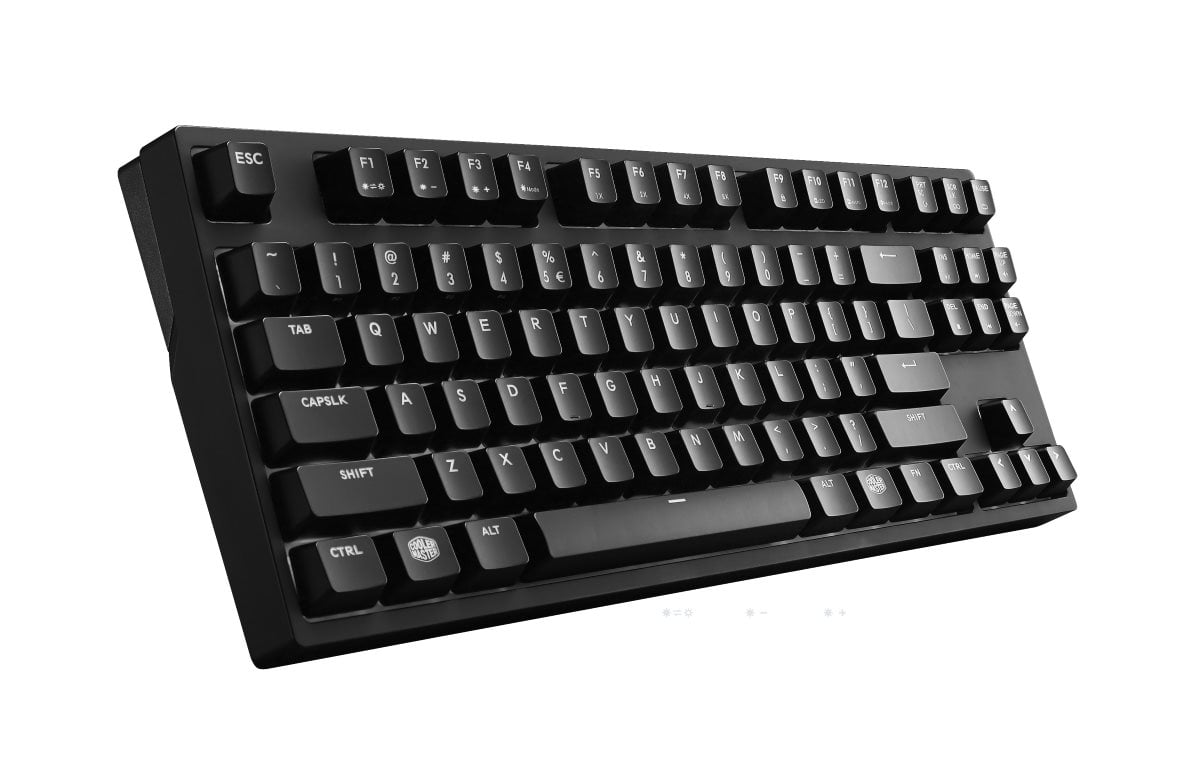
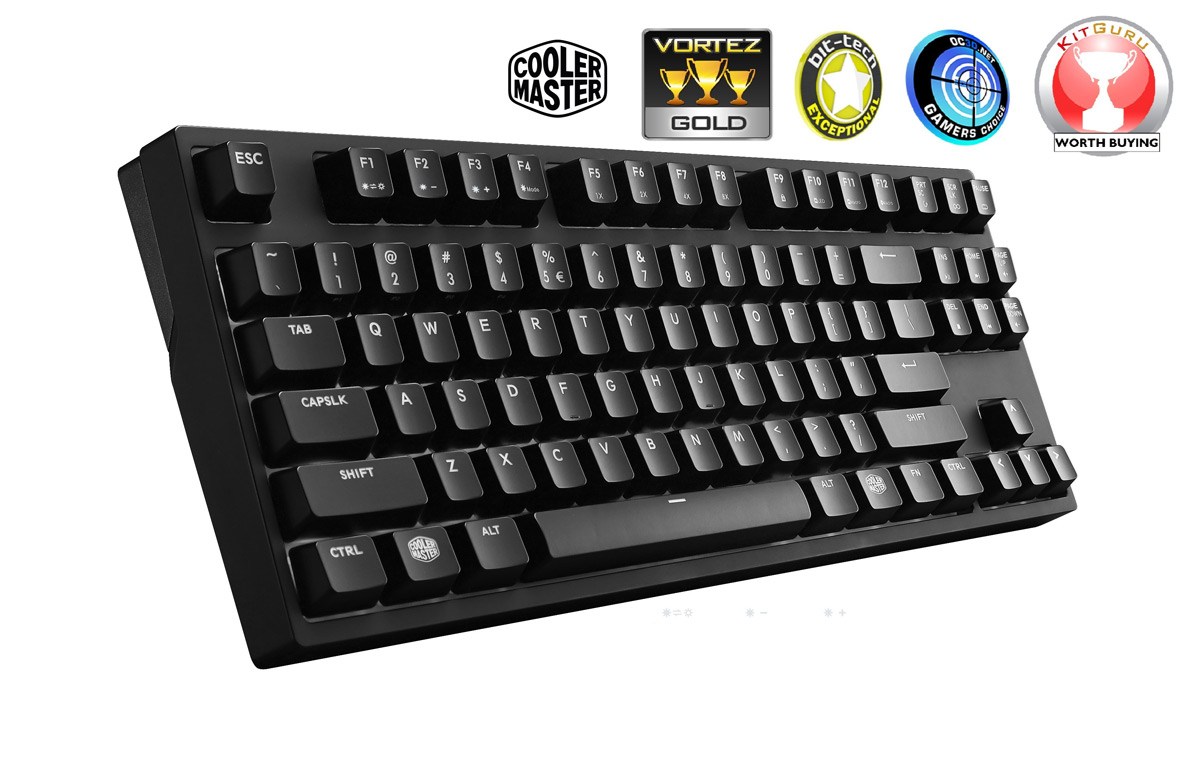
MasterKeys Pro S White LED Gaming Keyboard (Brown Switch)

Get the best of both worlds with the MasterKeys Pro S: the brightest LEDs and the best tactile feeling that gamers have come to love. We completely redesigned the interior to fit both Cherry MX switches and big, fat, white LEDs. You also get on-the-fly macros, profile support, and easy-to-use software - all in a sleek, minimalistic design.
Cooler Master engineers went to work on how to effectively design a keyboard with superior switches and the brightest LED backlighting. We gutted the interior and redefined backlighting by modifying the printed circuit board (PCB) with small cutouts to let the LEDs sit snugly against the switches.
The Best of Both Worlds
That means we're still able to use genuine Cherry MX switches with their housing AND larger, brighter LEDs. The concentrated light under the keycaps will let your keyboard's LEDs pop and shine a vibrant white light. No dull muted backlight here.
Processing Power Unleashed
The MasterKeys Pro is outfitted with the most powerful ARM Cortex M3 processor found in keyboards in the market right now. Clocking in at an impressive 72 MHz, the processor is 25% faster than keyboards that use Cortex M0 processor, which greatly unlocks the potential for the MasterKeys Pro On-the-fly System. Save and execute commands and macros instantly. No loading. No waiting. You'll beat your opponent to the punch every time.
On-the-fly System
The MasterKeys Pro utilizes the processing power of the ARM Cortex M3 for its advanced On-the-fly System. LED lighting modes, repeat rate adjustment, multimedia keys, macro recording, combined with four profile keys, enable you to control all aspects of the keyboard right at your fingertips. No need to alt+tab and open up the software. Stay in the game and focused on defeating your enemies.
Macro and Profile Support
Four profile keys offer quick backlighting and macro recording without hassle. Program multiple keystrokes to a single key or change per-key backlighting with intuitive keyboard commands.
Getting familiar with a new game and looking for an edge? Program keys with different colors to help you learn the in-game keybinds faster.
Status Indicator System
Easily navigate the On-the-fly System and know what settings you have selected by just glancing at the keyboard.
When holding down the FN key, you can see what profile and repeat rate you’re currently on, as well as whether or not the windows lock is activated.
Exclusive Anti-ghosting Technology
Exclusive anti-ghosting technology features two technologies rolled into one. We've combined N-key and 6-key rollover together, ensuring each keypress is correctly detected regardless of how many keys are pressed. If seven or more keys are pressed, it automatically switches over to N-key rollover. Rest easy knowing no matter how fast and furious it gets, your keyboard can handle it. Keyboard’s functions and macros are compatible also with macOS systems (macOS uses 6-key rollover only).