

.png?width=274&height=200&scale=canvas)


.png?width=500?width=274&height=200&scale=canvas)

.png?width=274&height=200&scale=canvas)

.png?width=274&height=200&scale=canvas)

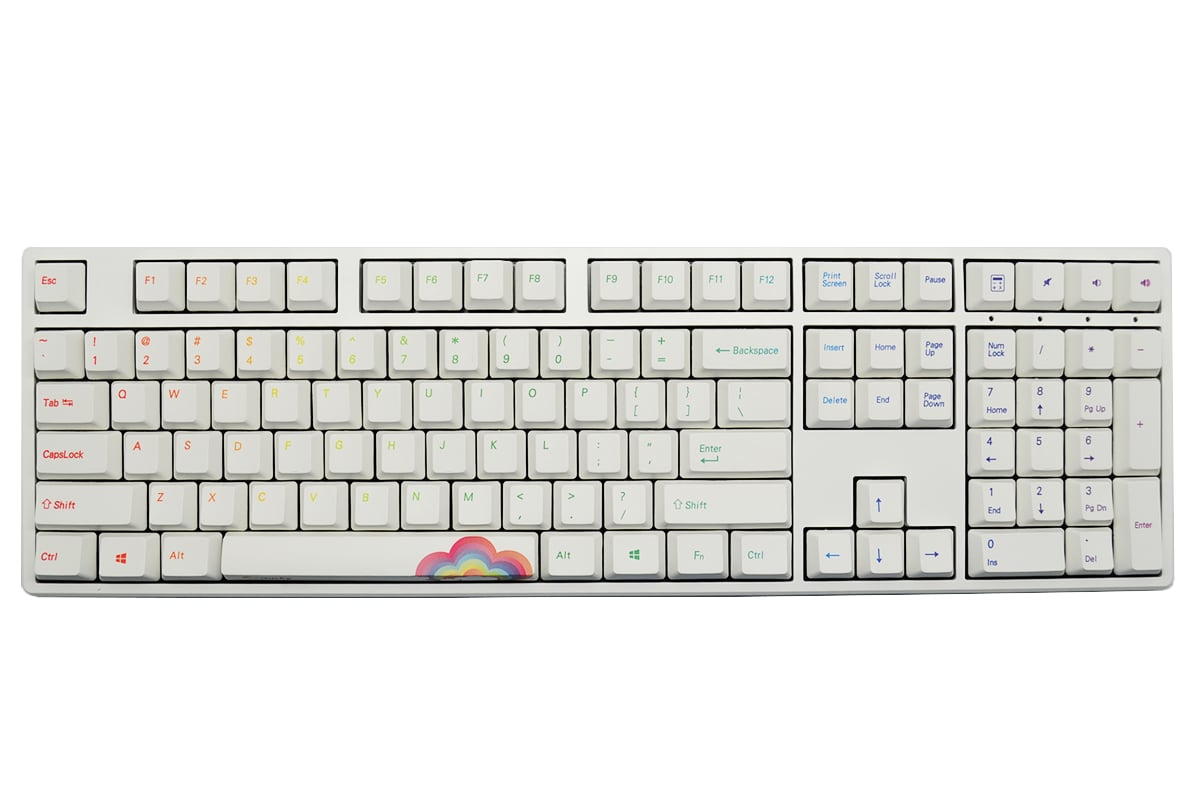
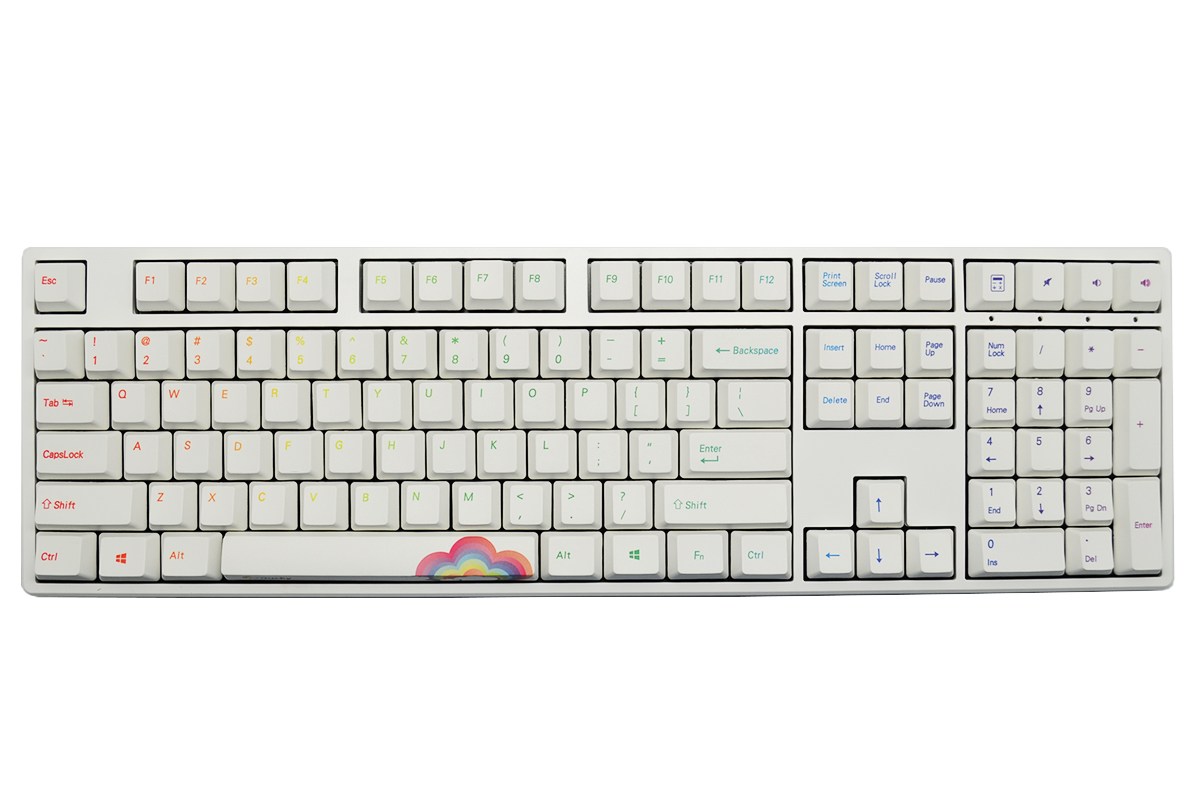
Ducky One Rainbow Edition USB Mechanical Keyboard with Cherry MX Black Switches (UK QWERTY)

Exterior Design
Narrow Bezel
Ducky One designed with narrower bezel compare to the previous Ducky keyboard, the thinnest bezel that we ever made. We tried to reduce the overall size without affect the overall design of the keyboard. The keyboard looks much better with modern, simple and minimalism design.
Two-stage feet
Ducky One with new designed that provided two-stage feet and it is different from the traditional monolithic feet. Users are able to change the angle for keyboard with the choice of three (feet folded, small feet and big feet).
Micro USB
Unlike the original Ducky mini-USB cable, Ducky One provided a cable that is more commonly used; it’s Micro USB data cable. Cable and keyboard can be separate.
Quality Components
Made in Germany Cherry key switches
Ducky uses only genuine Cherry MX switches. Ducky One is available in different switches to suit different preferences.
Durable dual layer PCB design
Dual layer PCB is more durable and reliable than single sided PCB. This will give longer life expectancy as well as signal stability of the keyboard functions. Combined with a steel backplate, dual layer PCBs will give the user extra solid feel with each keystroke.
Powered by ARM M3 MCU
Ducky One is powered by an ARM M3 micro-controller. This powerful controller allows advanced functions as well as stunning backlighting effects.
Signal Processing
USB N-Key Rollover (USB NKRO)
Under USB, the Ducky One can handle any number of simultaneous key presses. You can use the keyboard confidently in any situations knowing that there will never be ghosting or key blocking issue.
1000Hz Report Rate
Ducky One uses the fastest rate available under the USB interface, and updates the keyboard's status to the computer every 1 millisecond. This minimize the delay from when the keys are pressed and signal received by your computer.
USB Repeat Acceleration
Ducky brings adjustable repeat rate and repeat delay to USB keyboards. You can fine tune the repeat rate and repeat delay for gaming or your specific applications. Note: USB Repeat Acceleration may work differently in different applications. Please use a suitable setting accordingly.